Tech UGC Examples: The Reaction + App Demo + Hook Formula
Oct 13, 2026 · 7 min read
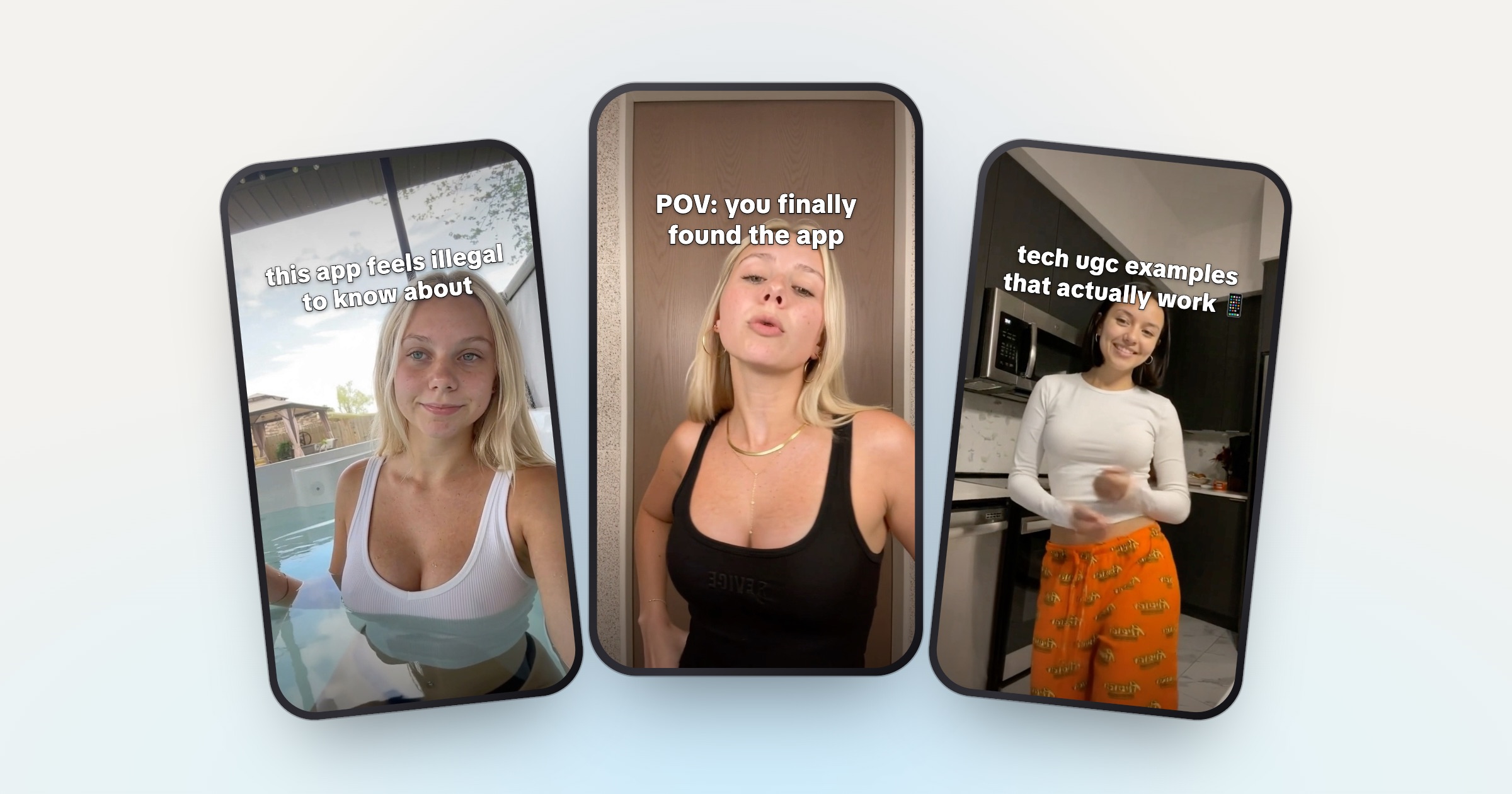
- Tech UGC = a 2–4 second reaction + an app demo + one hook on screen the whole time.
- The demo shows one result, not a tour of the app.
- The hook names the viewer's problem, not the app.
- Change at least two of the three parts in every post.
A tech UGC example is a short vertical video that sells an app in three parts: a 2 to 4 second reaction shot, a screen recording of the app doing one thing, and a hook line on screen the whole time. The app changes from video to video. The formula does not.
Below you’ll find what each part does, breakdowns by app type with hook lines you can adapt, one brand’s published brief, and where to find more real examples. The breakdowns describe common patterns, not specific brand campaigns. The hook lines were written for this post.
What is tech UGC?
Tech UGC is creator-made, user-generated-style video for apps, SaaS tools and other software. Instead of holding up a product, you show it on a screen. The short version is in the tech UGC glossary entry.
A lot of tech UGC is posted on brand-owned accounts, which is the Canvas UGC model. SideShift, a UGC marketplace, says many brands prefer creators to build fresh accounts in the campaign’s niche, while others pay creators to post on pages that already have an audience. The rest is delivered as video files that the brand runs as ads.
Either way, the video itself looks the same.
The formula, part by part

Reaction
App demo
Hook
POV: your posts go out while you're at work
@yourbrand
original sound — yourbrand
One video
1. The reaction: 2 to 4 seconds
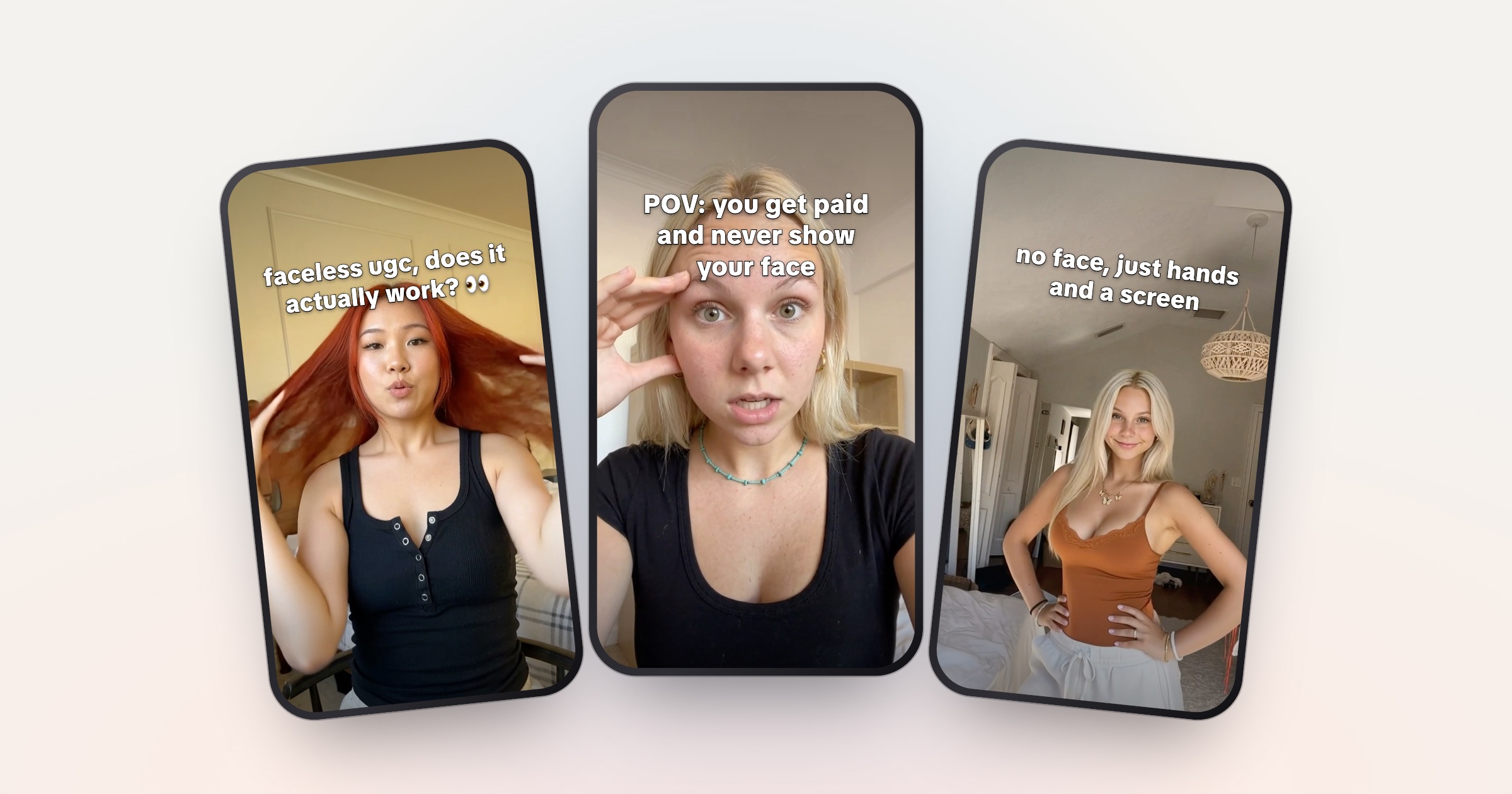
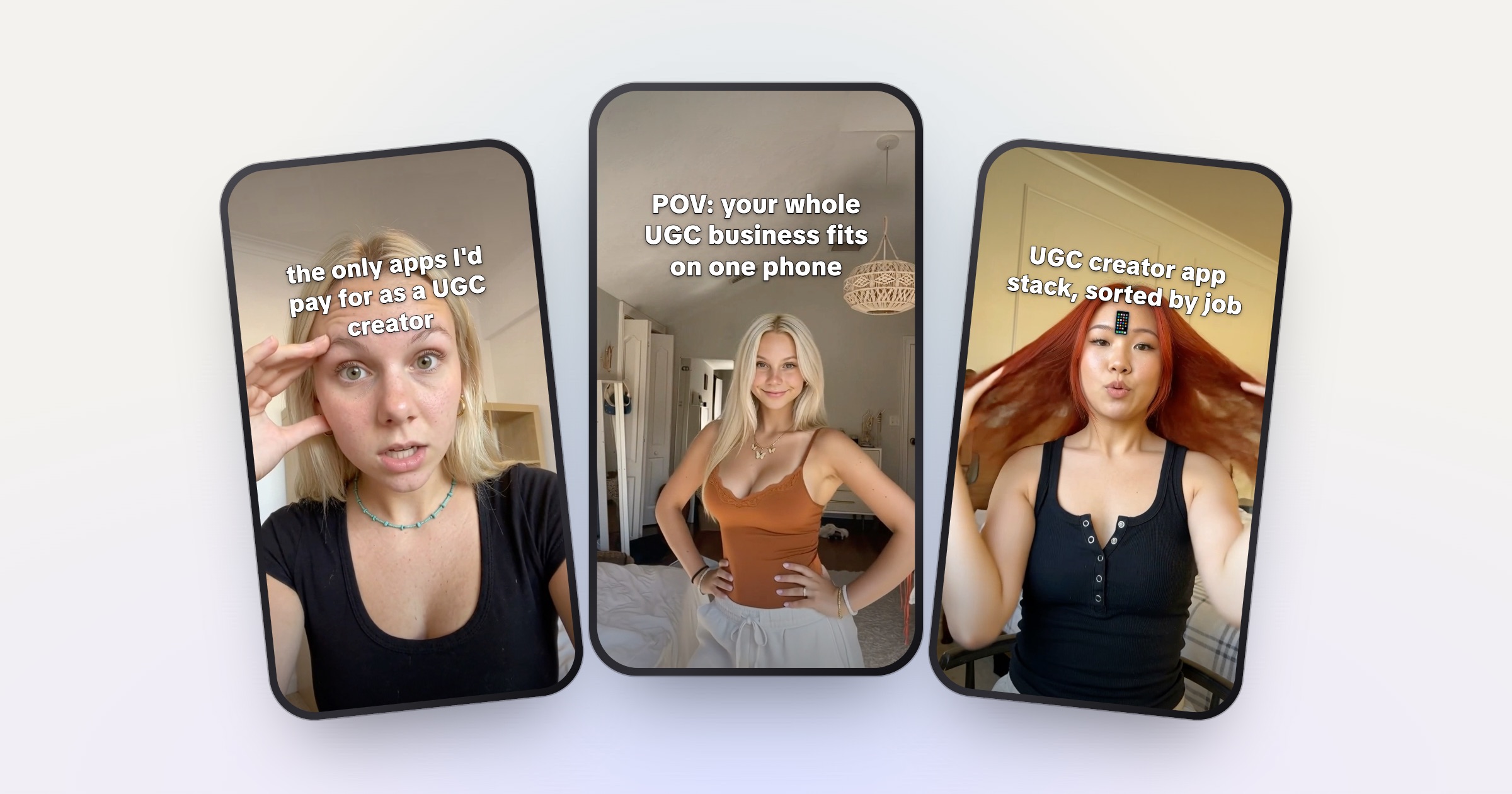
The reaction tells the viewer how to feel before they know what the app is. Shock, disbelief, relief, a slow “no way” head shake. It’s the part that stops the scroll.
Locket, the friends photo-sharing app, published the brief it gives its ambassadors. It asks for a “2-4s selfie intro video, make it as emotive as possible”. That’s a good default for any app.
Film reactions in batches, not one per video. A library of 20 or more moods lets you match the face to the hook instead of reshooting every day.
2. The demo: one result
The demo is a screen recording of the app doing one thing. Not a tour. The viewer should see the before, the tap, and the after.
- Start on the most visual moment.
- Cut dead time. Locket’s brief tells ambassadors to “speed up long parts or cut them out (for ex. typing)”.
- Record 3 to 5 demos per app, each showing a different feature, and reuse them.
3. The hook: on screen the whole time
The hook is one line of text over the whole video. TikTok’s guidance for performance ads says to “introduce your content proposition in the first 3 seconds” and to put the hook in the first 6 seconds. In this format the hook is on screen from the first frame, so it does that job before the demo even starts.
The same TikTok page recommends “a DIY or not overly polished style” so videos fit in with what people already watch, and keeping text inside the UI safe zone so the caption and buttons don’t cover it.
Since the format is fixed, the hook is the main thing you test.
Tech UGC examples by app type
Each breakdown covers the reaction mood, the demo moment, and hook lines in that style. Swap in your client’s app and feature.
AI apps
- Reaction: disbelief. Leaning in, squinting at the phone.
- Demo: input to output in one cut. Type the prompt (sped up), then show the result.
- Hooks: “I asked AI to plan my week and it actually did”, “this AI app feels like cheating”.
The before and after happen on screen in seconds, which is why AI apps suit this format. More lines: hooks for AI apps.
Productivity apps
- Reaction: relief. A calm nod, “okay, this is actually good”.
- Demo: a messy list turning into a sorted plan.
- Hooks: “I used to spend 2 hours on this every Sunday”, “POV: your to-do list finally makes sense”.
Finance and budgeting apps
- Reaction: shock at a number.
- Demo: the spending breakdown, or the screen that lists every subscription.
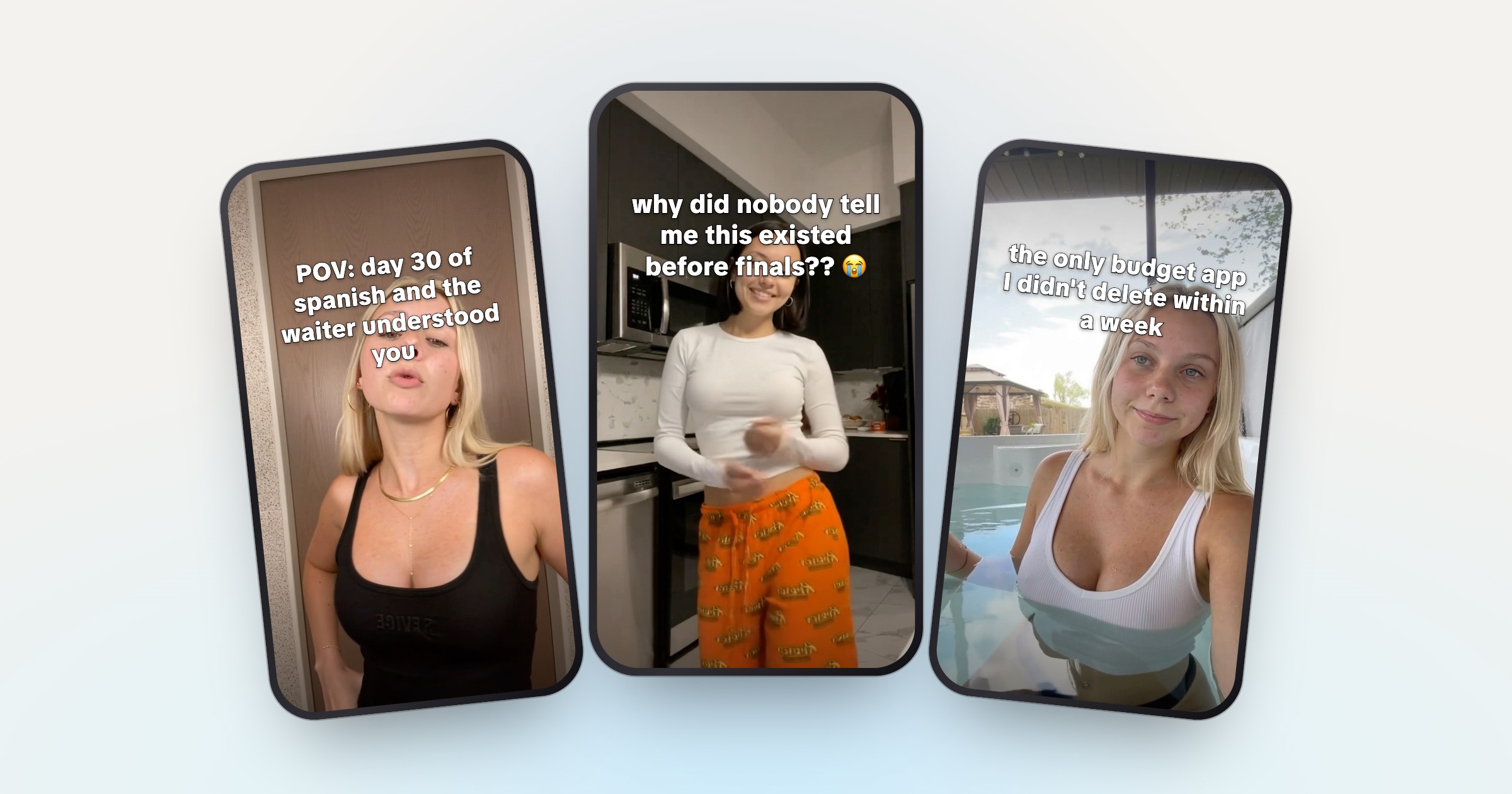
- Hooks: “I didn’t know where my paycheck went until this”, “if you still do your budget in Notes, watch this”.
Finance briefs often limit what you can claim. Stick to what the app shows on screen, and don’t promise savings or returns the brief doesn’t approve. The same goes for health and fitness apps and medical claims.
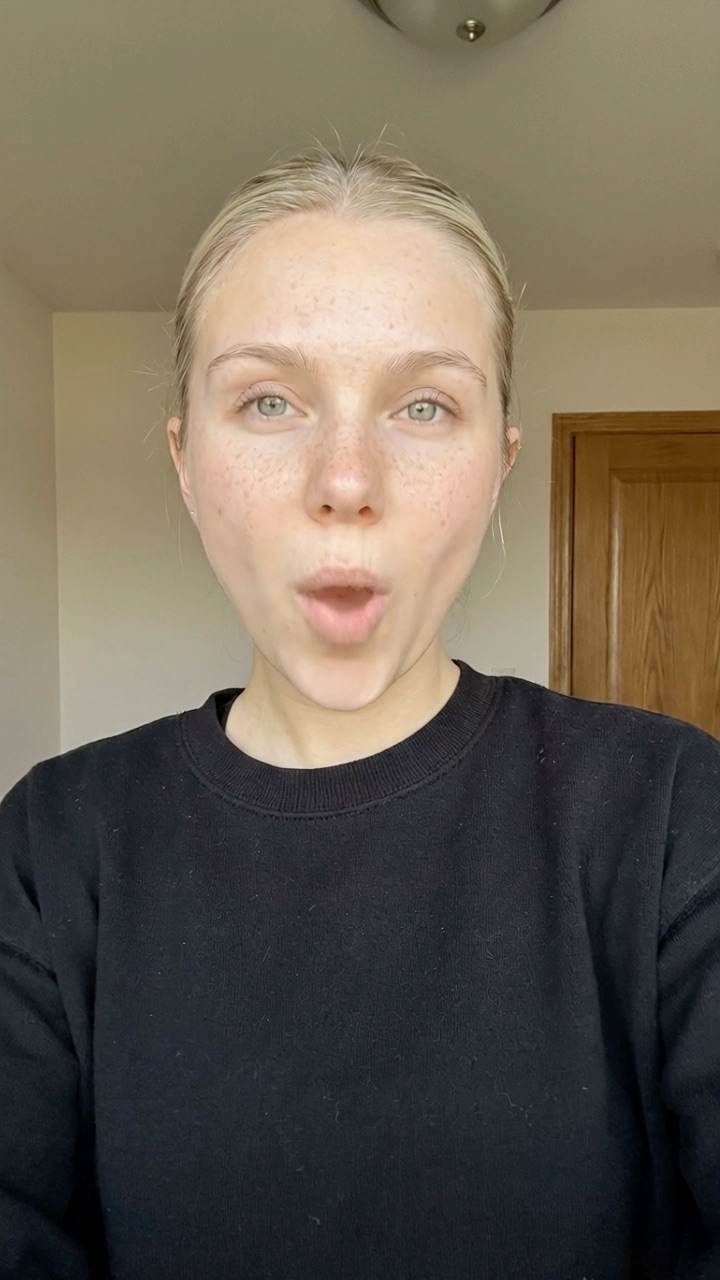
this AI app feels like cheating
@travelwithmia
original sound — travelwithmia
AI app
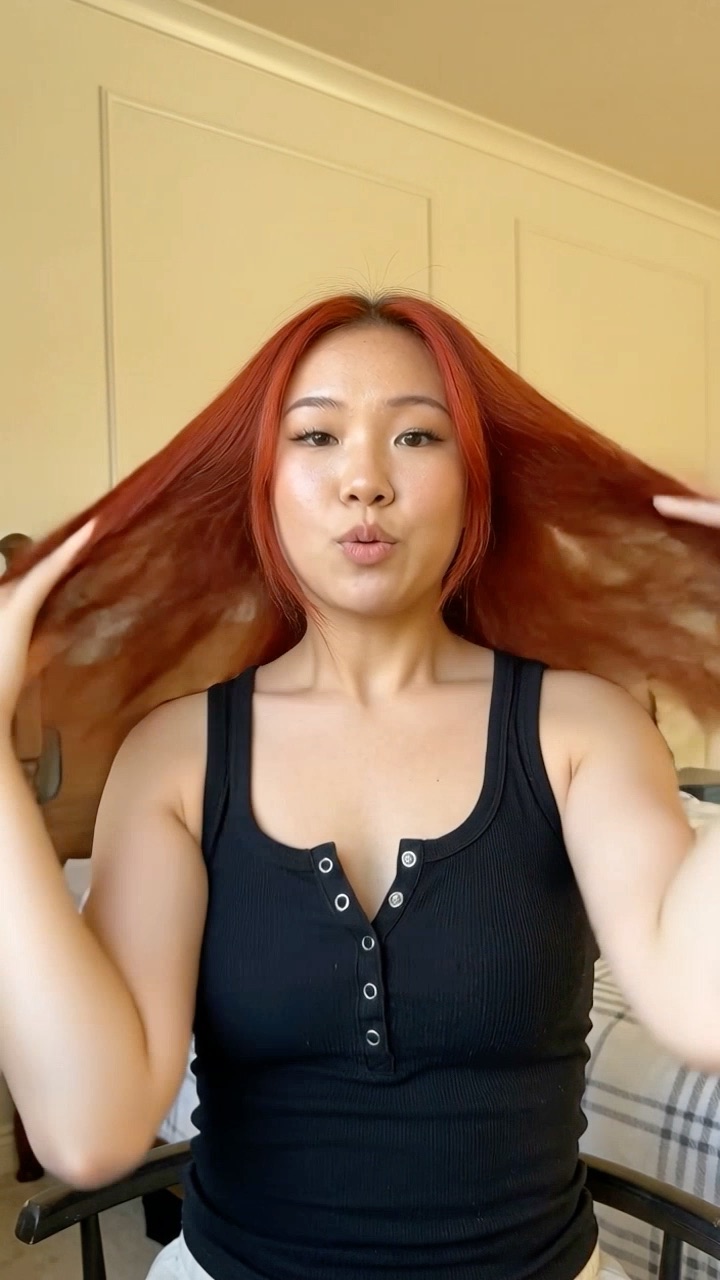
I didn't know where my paycheck went until this
@studywithjay
original sound — studywithjay
Finance
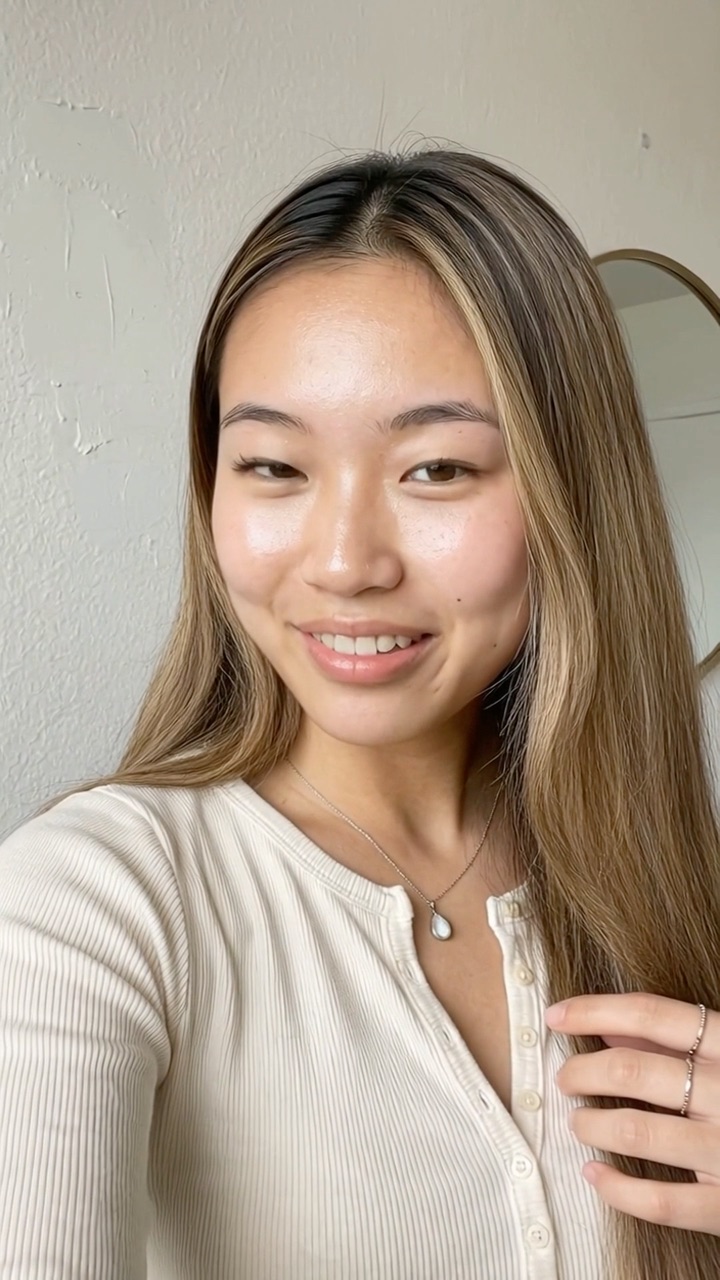
I deleted 2,000 photos in one tap
@budgetbyana
original sound — budgetbyana
Photo app
Photo and video editing apps
- Reaction: hand over mouth.
- Demo: a before and after. A cleanup, a filter, or a cluttered camera roll emptied in one go.
- Hooks: “I deleted 2,000 photos in one tap”, “nobody told me this app existed”.
Language learning and study apps
- Reaction: curiosity. Head tilt, half smile.
- Demo: a flashcard round, a streak screen, or an AI tutor answering a question.
- Hooks: “how I’m learning Spanish on my commute”, “POV: you study 10 minutes a day and actually remember it”.
Social and friend apps: a published brief
Most brands keep their creator briefs private. Locket’s is public, and it shows how a consumer app thinks about this format.
The useful lesson is in the hook: it names a person and a reason, not the product. “My mom sends me a photo every morning now” says more than “download this widget app”. Note that avoiding ad words is about the hook, not about hiding the deal. Disclosure still applies (more below).
SaaS and B2B tools
SaaS UGC examples use the same formula with a different screen.
- Reaction: at a desk, the “wait, what” look at a laptop.
- Demo: a desktop screen recording, cropped to vertical and zoomed into the one panel that matters. A full desktop screen is unreadable on a phone.
- Hooks: name the role and the pain. “if you do client reporting, watch this”, “POV: you’re the only one on your team who knows this shortcut”.
B2B hooks work when the viewer recognizes their own job in the first line. More lines: hooks for SaaS tools.
Strong vs weak tech UGC
Most weak examples fail on the same few points.
Weak
common mistakes
- Reaction doesn't match the hook's mood
- A 15-second tour of every screen
- Hook names the app, not the problem
- Text hidden under the caption or buttons
- The same file posted again
Strong
what holds up
- Shocked face, surprising hook
- One result: before, tap, after
- Hook names the viewer's problem
- Text inside the safe zone
- A new pairing and a new hook every post
The last point matters most once you post every day. Each platform has rules against repetitive, unoriginal content. How to post 3 times a day as a UGC creator covers those rules and the system for staying varied: change at least two of the three parts in every post.
Where to find more tech UGC examples
- TikTok Creative Center, Top Ads. TikTok describes it as “a collection of high-performing creatives that can be filtered by Region, Industry, Campaign Objective, and more”. Filter by an app industry. These are paid ads, but many use the same reaction, demo and hook structure.
- Meta Ad Library. In the Ad Library you can search an app’s name and see the ads it runs on Facebook and Instagram.
- TikTok search. Search an app’s name and look for several accounts posting the same template. That often points to an ambassador program.
Keep a swipe file as you go: the hook, the reaction mood, the demo moment and the view count. After 20 entries, the patterns are obvious.
Disclosure applies to every example
TikTok says that “when posting content that promotes a brand, product, or service on TikTok, you must turn on the commercial content disclosure setting”, and that undisclosed commercial content may not be eligible for the For You feed. In the US, the FTC’s Disclosures 101 for social media influencers is the plain-language guide. Agree with the brand who turns the setting on before you post.
This is general information, not legal advice.
Making your own
You don’t need a new idea for every video. You need a library and a habit:
- Film 20 to 30 reactions in one session, with different shirts, rooms and light.
- Record 3 to 5 demos per app, one feature each.
- Write hooks in batches of 20 or more, and track views per hook. The free hook generator gives you a starting list.
If you run tech UGC for several apps, the slow part is the daily pairing, editing and posting. UGCPoster handles that loop: you upload your reaction clips and app demos once, and each run pairs a reaction with a demo, writes a fresh hook from your example hooks, renders the video and posts it to TikTok, Instagram Reels or YouTube Shorts, as drafts you approve or straight to the feed. It doesn’t film anything or find clients for you. Plans are on the pricing page.
The app changes every video. The formula doesn't.
FAQ
What is tech UGC? +
Tech UGC is short, creator-made video that promotes apps, SaaS tools or other software. Most of it follows one formula: a quick reaction shot, a screen recording of the app, and a hook line on screen the whole time.
What does a tech UGC video look like? +
A 2 to 4 second reaction to camera, then a screen recording of the app producing one clear result, with a single hook line on screen from the first frame. Keep it short: viral.app tells beginners to keep sample videos under 30 seconds.
Do you need to show your face in tech UGC? +
Not always. Most formats open with a reaction shot because a face stops the scroll, but some creators run faceless accounts that use hands, voiceover or the screen alone. Check what the brand's brief asks for.
Where can I find tech UGC examples? +
TikTok's Creative Center has a Top Ads dashboard you can filter by region, industry and campaign objective. Meta's Ad Library shows ads running on Facebook and Instagram. Searching an app's name on TikTok also surfaces accounts posting for it.
What is the difference between SaaS UGC and app UGC? +
Same formula, different screen. App UGC records a phone. SaaS UGC usually records a desktop tool, so the demo is cropped and zoomed to fit a vertical video, and the hook speaks to a work problem.