Best Hooks for App UGC Videos (With Examples by Format)
Oct 13, 2026 · 8 min read
- Write hooks about the person, not the app. The demo explains the app.
- Rotate 8 formats: POV, question, discovery, relatable, warning, bold claim, how-to, listicle.
- Test one hook at a time on the same reaction and demo.
- Only claim experiences you've actually had. A paid hook is an endorsement.
The best hooks for app UGC videos are short lines about the viewer, not the app: a moment they live, a question they want answered, a struggle they recognize. They sound like a real person’s caption, they’re specific, and they leave a gap the app demo fills. Most fall into eight formats, from POV to listicle.
Below are 32 original examples, four per format, with why each one works and when to use it. After that: how to test hooks so you know which ones actually earn views.
What makes an app UGC hook work
An app UGC video is usually a short reaction shot, then a screen recording, with the hook on screen the whole time. The hook decides whether anyone sees the demo. TikTok’s own ad guidance says to put your hook in the first 6 seconds and get your main point across in the first 3 (TikTok Ads, creative best practices). On a short app video, that means the hook is the opening.
Five rules hold across every format:
- About the person, not the product. Their struggle, their identity, their relief. The demo shows the feature, so the hook doesn’t need to.
- Specific beats generic. “Day 30 of spanish” beats “learning a language.” Numbers, timeframes and identities make a line feel real.
- It opens a gap. The viewer should need the next few seconds to get the payoff.
- It matches the face. A shocked reaction fits “I just found this.” A calm smile fits “POV: next week is already planned.”
- It reads at a glance. Aim for 3 to 12 words. Lowercase is fine. One or two emojis at the end, at most.
Leave out ad words, prices, income or health promises, and the app’s name.
1. POV hooks
POV hooks drop the viewer into a moment, usually the “after” the app makes possible. More in the POV hook library.
- “POV: it’s sunday night and next week is already planned”
- “POV: the group chat finally stopped fighting about the trip ✈️”
- “POV: you open your bank app without bracing yourself 😮💨”
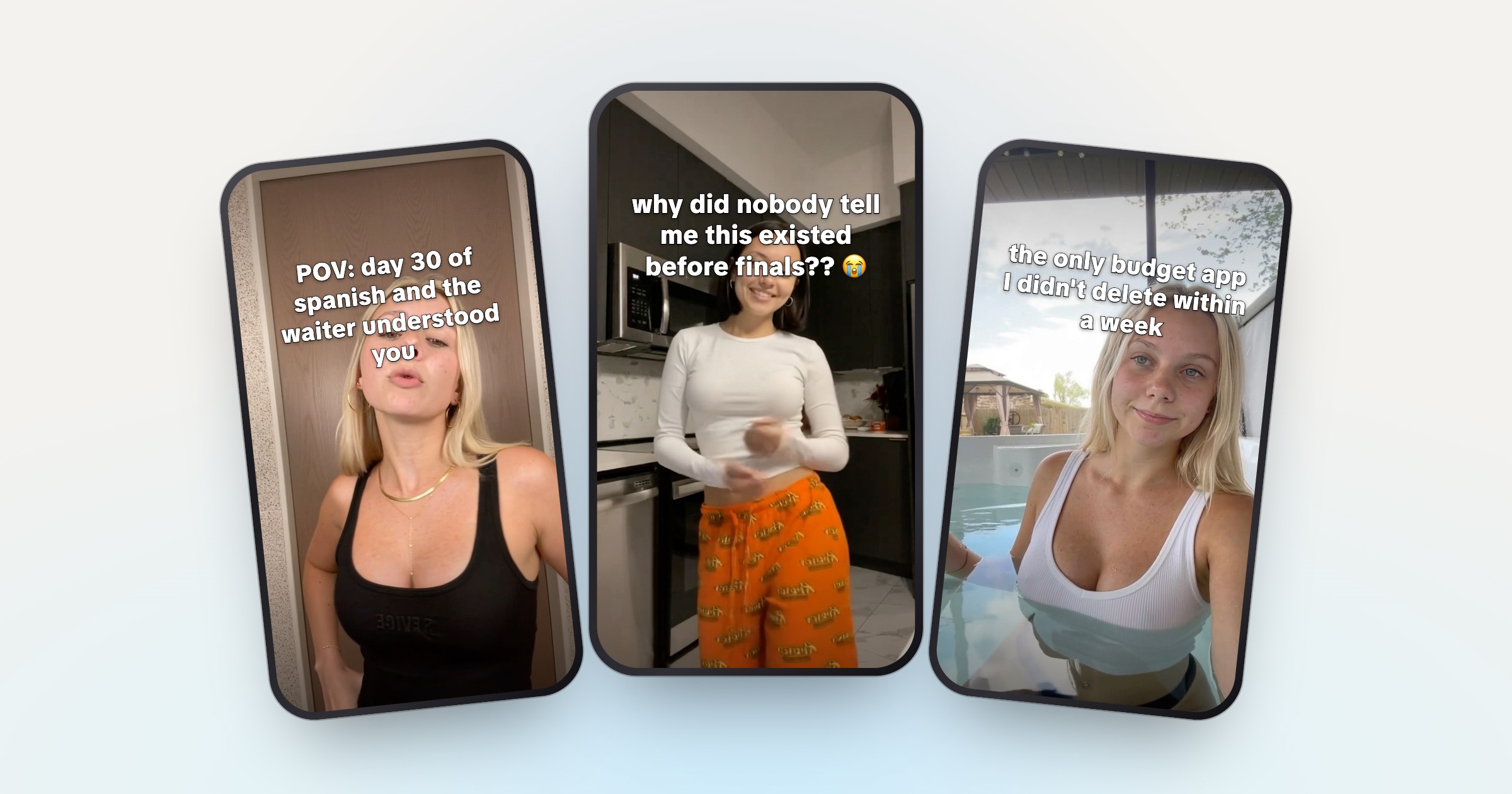
- “POV: day 30 of spanish and the waiter understood you”
Why it works: the viewer pictures themselves in the scene before deciding to scroll. The reaction shows the feeling, the demo shows how you got there.
Use it when the payoff is a feeling (calm, relief, pride) that’s easy to picture.
2. Question hooks
A question the viewer wants answered, often with a bit of disbelief. See question hooks.
- “why did nobody tell me this existed before finals?? 😭”
- “how did my roommate plan 10 days in Italy in one evening?”
- “is it normal to have 9,000 screenshots or is it just me 👀”
- “wait, you still split rent in the notes app?”
Why it works: an open question is hard to walk away from. The demo is the answer, so people stay for it.
Use it when you can frame the problem as something the viewer is curious or mildly embarrassed about.
3. Discovery hooks
A long struggle, then a find. Or a secret only insiders get. See discovery hooks.
- “3 years of meal prepping and I just found this”
- “2 semesters of all-nighters and I JUST found this 📚”
- “only freelancers who chase invoices will understand this”
- “5 apartment moves later and I finally found this”
Why it works: the time span makes the find feel earned, and people want to know what was worth the wait. The insider version speaks to a group that recognizes itself.
Use it when the problem is long-running and common in one specific group.
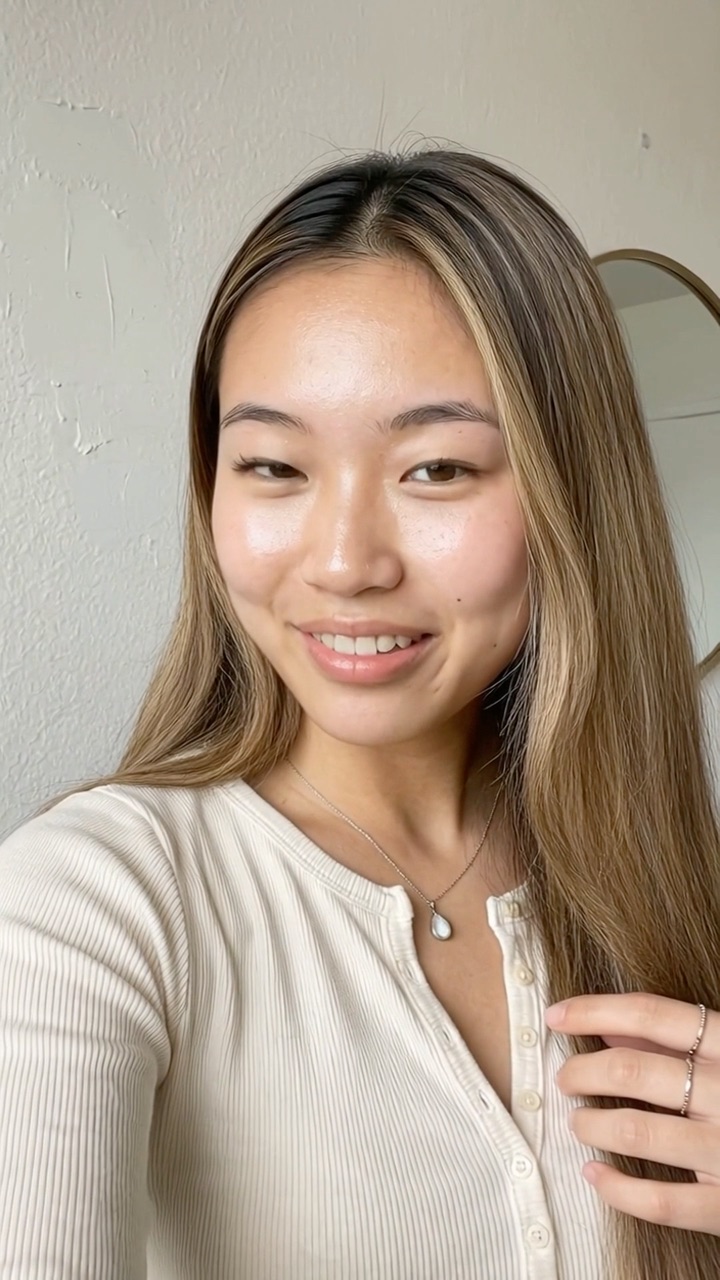
POV: day 30 of spanish and the waiter understood you
@travelwithmia
original sound — travelwithmia
POV
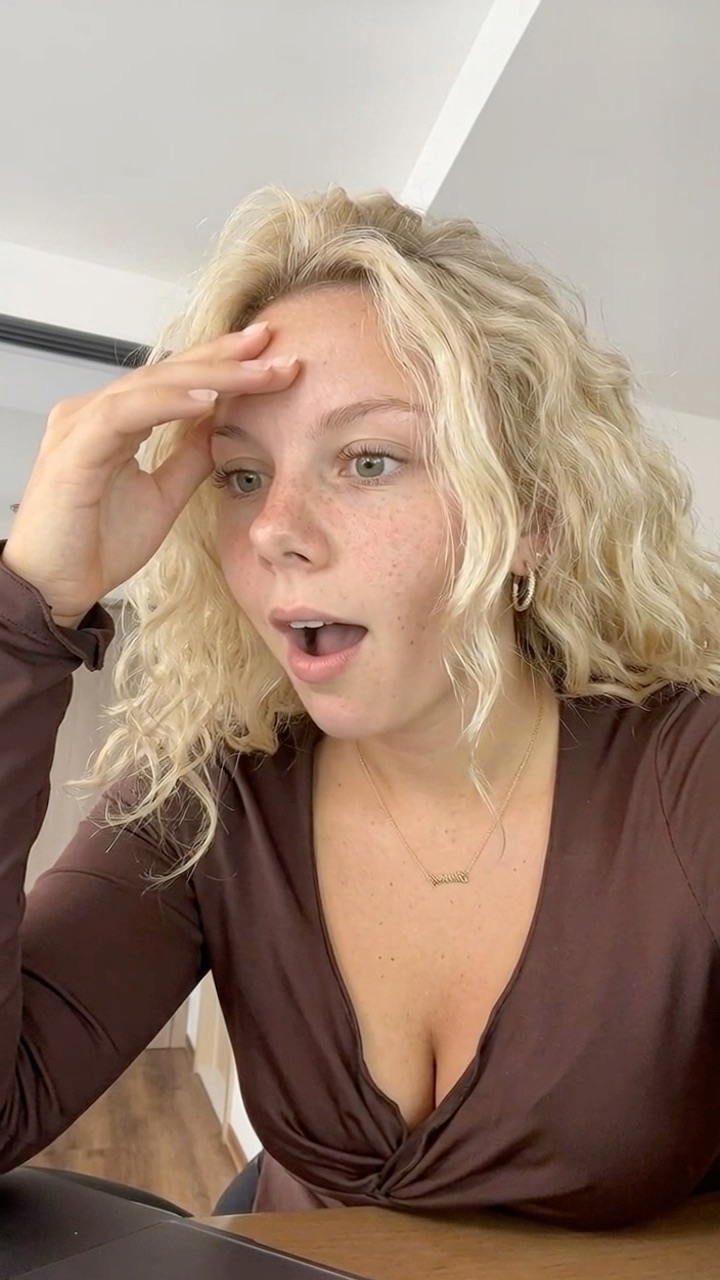
why did nobody tell me this existed before finals?? 😭
@studywithjay
original sound — studywithjay
Question
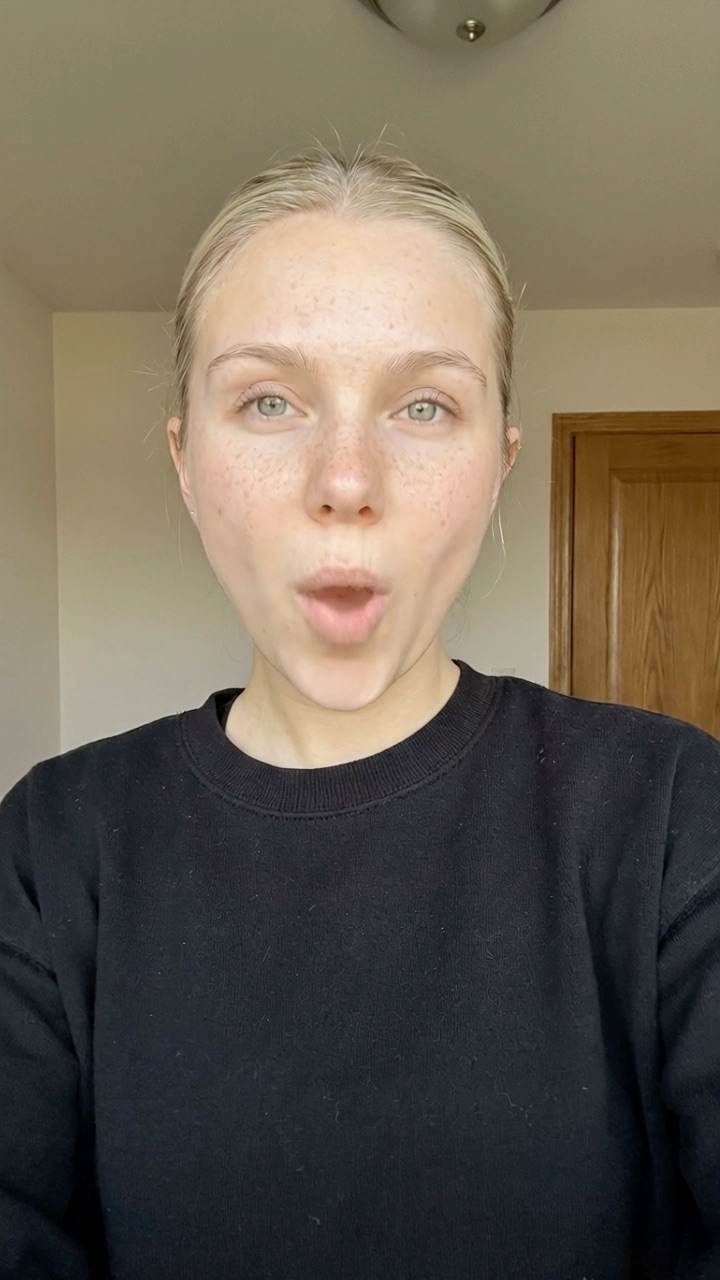
3 years of meal prepping and I just found this
@budgetbyana
original sound — budgetbyana
Discovery
4. Relatable hooks
A painfully specific everyday moment your audience lives. See relatable hooks.
- “me checking my bank balance before ordering takeout 💀”
- “when you have 14 tabs open just to plan one weekend”
- “me at 2am rewriting the same flashcard for the 4th time 🫠”
- “me reorganizing my to-do list instead of doing anything on it”
Why it works: people stop for themselves. Humor also lowers the “this is an ad” guard, so the demo lands as a solution, not a pitch.
Use it when the problem has a funny, specific moment attached to it.
5. Warning hooks
Stop, don’t, never: a mistake the viewer is making right now. See warning hooks.
- “stop rewriting your notes into flashcards by hand”
- “don’t book another hotel until you’ve seen this”
- “if you still track workouts in your notes app, stop”
- “stop sending invoices from your personal email”
Why it works: nobody likes being told they’re doing it wrong, so they watch to check. Keep the warning about a habit, never about a group of people.
Use it when there’s a common bad habit the app replaces.
6. Bold claim hooks
A confident, slightly provocative opinion. See bold claim hooks.
- “the only budget app I didn’t delete within a week”
- “hot take: most to-do apps are just guilt with checkboxes”
- “this is the most underrated app on my phone”
- “paper planners had a good run tbh”
Why it works: a strong opinion invites agreement or argument, and both keep people watching to see if you can back it up.
Use it when you actually hold the opinion. Keep it an opinion, never a factual claim the app can’t back up.
7. How-to hooks
“How I…” with a specific, surprising result. See how-to hooks.
- “how I cook 5 dinners from one grocery run”
- “how I saved for Japan on a barista wage ✈️”
- “how I edit a whole photo dump before my coffee’s ready”
- “how I stopped losing 2 hours a day to email”
Why it works: it promises a result and holds back the method. Give the result, not the feature. “How I made a quiz from my lecture notes” gives the payoff away; “how I studied for finals in one weekend” doesn’t.
Use it when the app produces something you can measure: time, money, output.
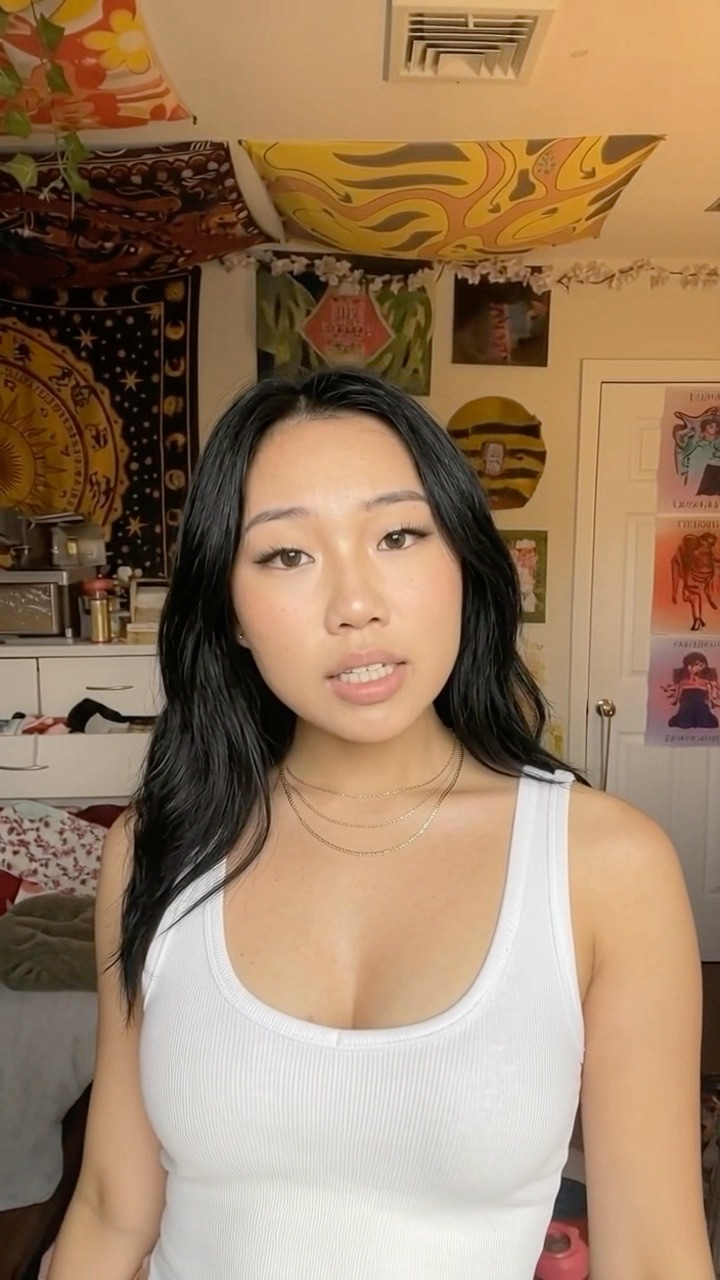
stop rewriting your notes into flashcards by hand
@travelwithmia
original sound — travelwithmia
Warning
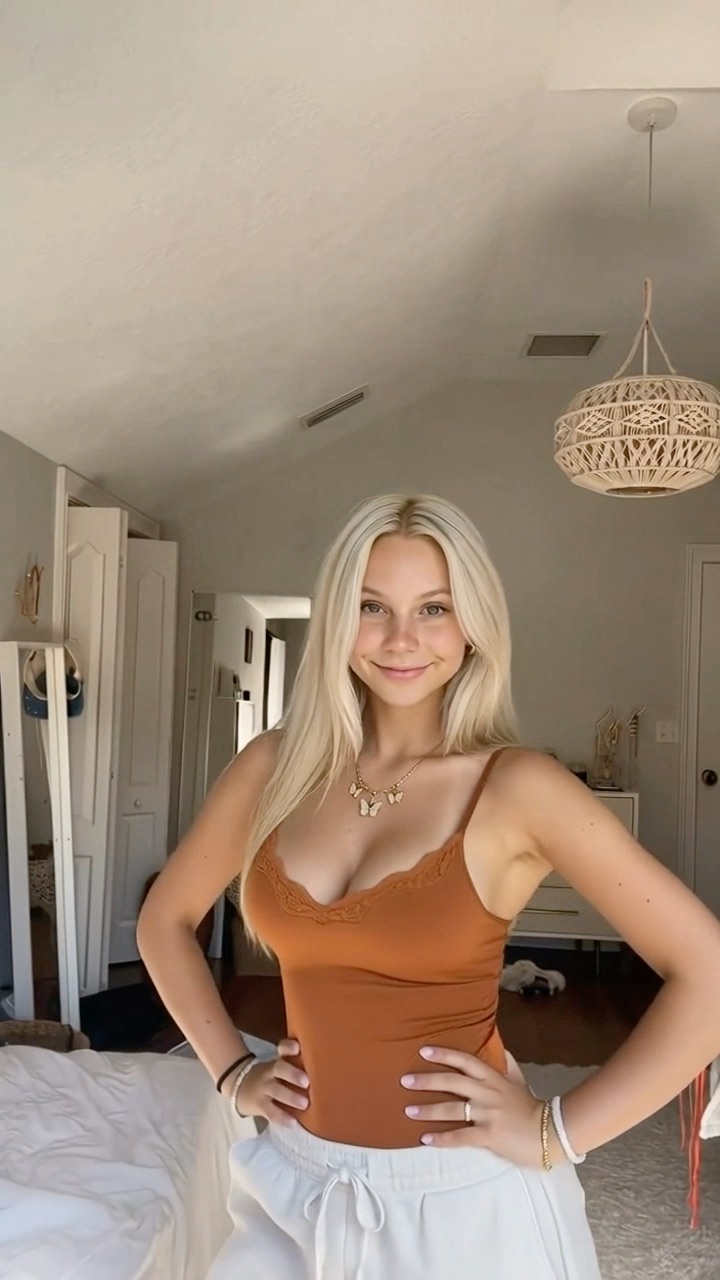
the only budget app I didn't delete within a week
@studywithjay
original sound — studywithjay
Bold claim
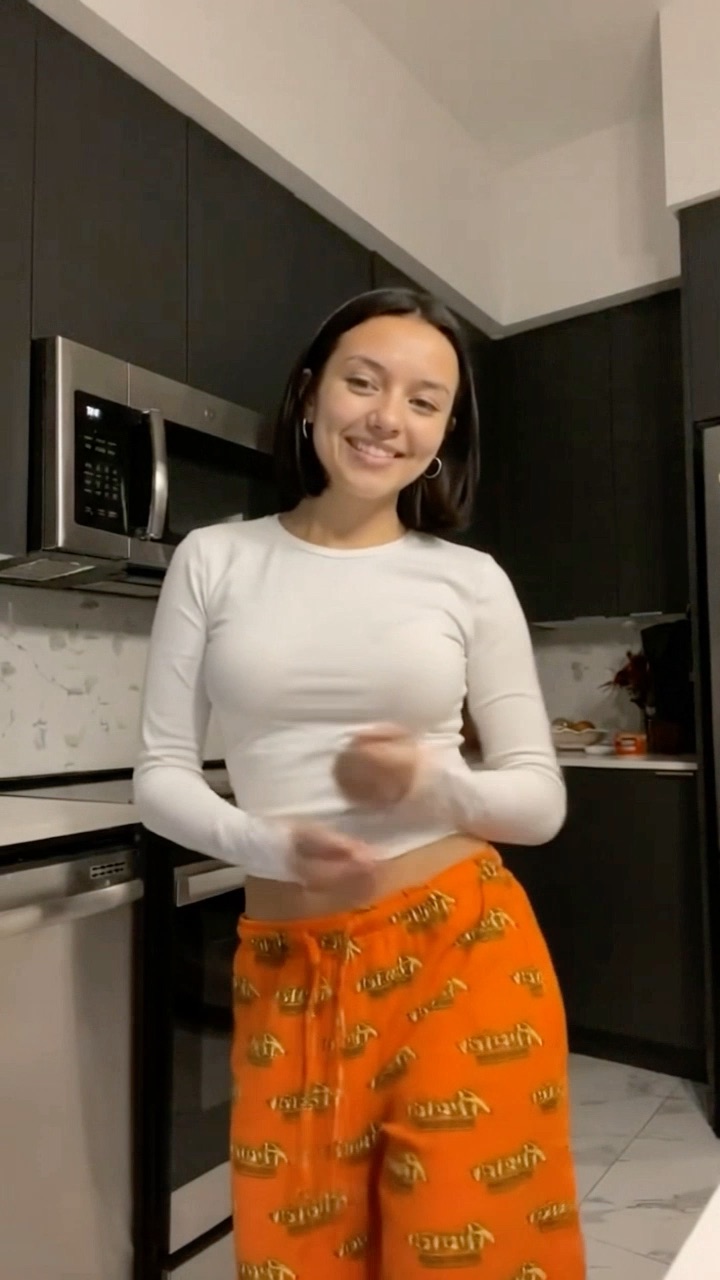
how I cook 5 dinners from one grocery run
@budgetbyana
original sound — budgetbyana
How-to
8. Listicle hooks
A number up front. See listicle hooks.
- “3 apps that made my first year of uni survivable 📚”
- “4 apps every new freelancer needs by month two”
- “5 travel apps I actually opened on my last trip”
- “2 apps that replaced my entire notes app”
Why it works: a number sets an expectation, and people stay to see the whole list.
Use it when the video really shows a list. On a single brand’s account, ask first: the client may not want other apps in its videos. If the format doesn’t fit, skip it.
How to test UGC hooks
You can’t tell which hook wins by reading it. You find out by posting, and the trick is to change one thing at a time.
- 1 Fix the footage Use the same reaction and demo pair for one round of tests.
- 2 Change only the hook One hook per post, a different format each time.
- 3 Post in the same slot Same time of day, on different days.
- 4 Read the first seconds Check views and the first-seconds metric at 48 hours.
- 5 Write more of the winner Five new hooks in the winning format, not five copies of one line.
Each platform shows you something about the opening:
- TikTok: post analytics show each video’s average watch time and where viewers came from (TikTok newsroom).
- Instagram: Reels insights show a skip rate, the share of viewers who skipped before the first three seconds. Instagram added it in 2025, replacing view rate (Social Samosa).
- YouTube Shorts: “Stayed to watch” is the percentage of times viewers stayed past the first seconds of a Short (YouTube Help).
If people leave in the first seconds, the hook failed. If they stay past the hook and drop later, look at the demo instead. Log every post in a sheet: hook, format, date, platform, views at 48 hours, first-seconds number. After two weeks, sort by format, not by line. A winning format gives you dozens of new hooks; a winning line gives you one. More on that metric in hook rate.
Common mistakes
- Describing the feature. “This app turns notes into quizzes” tells people they don’t need the demo.
- Sounding like a brand. If a line could sit in a press release, rewrite it.
- A hook the demo doesn’t pay off. People feel tricked and swipe. On a CPM deal, that costs you.
- The same opener every day. Rotate formats so you’re testing angles, not just wording.
- Mood mismatch. A calm smile under “stop doing this” reads wrong.
Write the hook about the person. Let the demo explain the app.
Writing hooks at volume
At one post a day per account, one client needs 30 hooks a month. At three a day, it’s 90. That only works in batches: see how to post 3 times a day as a UGC creator. For a starting list, the free hook generator writes 10 hooks across these formats for any app, and the hook library has more by app type and format. Edit everything into your own voice before you post it.
If you run several client accounts, UGCPoster writes a fresh hook for every video from the example hooks you give it plus one instruction, pairs it with a reaction and a demo from your folders, renders the video and posts it. Feed it the winners from your sheet, and it writes the next ones in the same style.
Whatever writes the first draft, the rules don’t change. About the person. Specific. True. Tested one at a time.
FAQ
What is a good hook for a UGC video? +
A good UGC hook is a short line, usually 3 to 12 words, about the viewer's moment or problem rather than the product. It is specific, it fits the reaction on screen, and it leaves a question that the app demo answers.
Should a UGC hook name the app? +
Usually not. The demo already shows the app, so the hook's only job is to get people to watch the demo. A hook about the person reads like a real post. A hook that names or describes the app reads like an ad.
How do I test UGC hooks? +
Keep the same reaction and app demo, change only the hook, and post in the same time slot on different days. Compare views at 48 hours plus each platform's first-seconds metric, then write new hooks in the formats that won.
Where can I see if a hook worked? +
TikTok's post analytics show average watch time, Instagram Reels insights show a skip rate for the first three seconds, and YouTube Shorts analytics show how often viewers stayed to watch past the first seconds.
Can I use emojis in UGC hooks? +
Yes, sparingly. One or two at the end of the line can carry the emotion, like 😭 or 💀. Don't put them mid-sentence or use them to replace words.