
Schedule Reels without editing every one.
Upload your reaction clips and app demos once. UGCPoster makes a new Reel for every slot, writes the hook and posts it to Instagram on schedule.
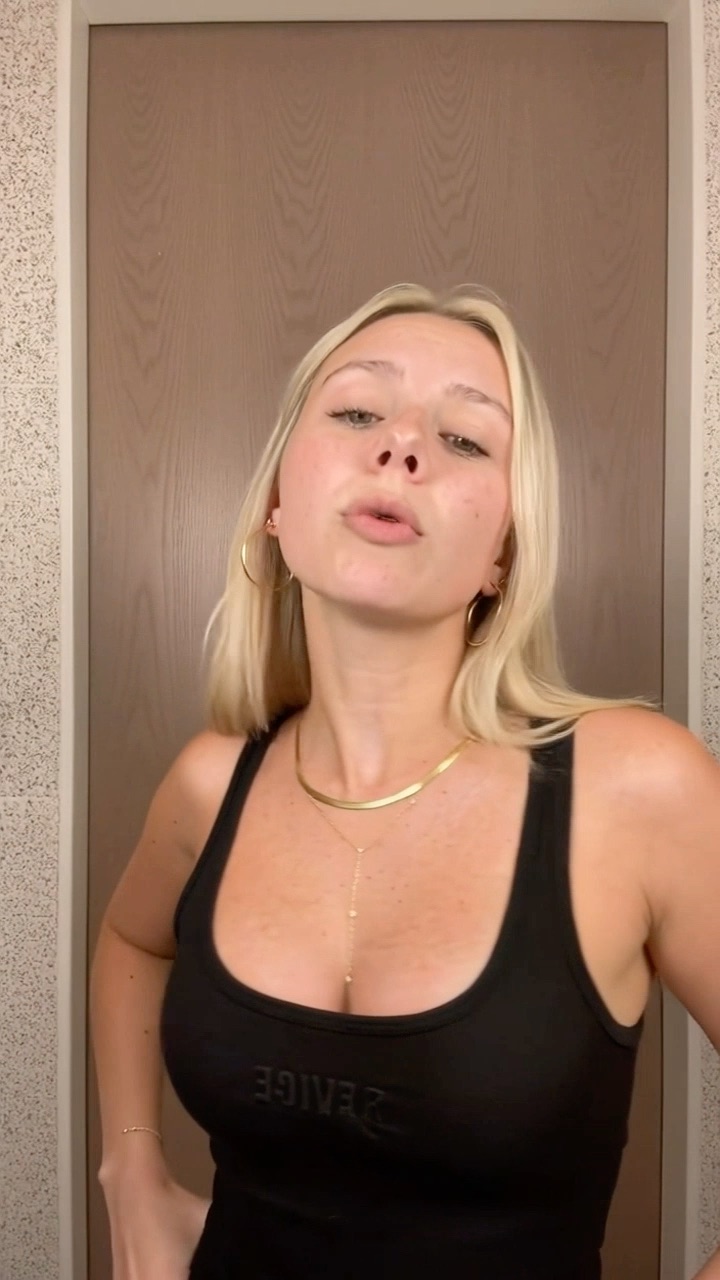
why did nobody tell me about this app?? 😭
@travelwithmia
original sound — travelwithmia
9:00
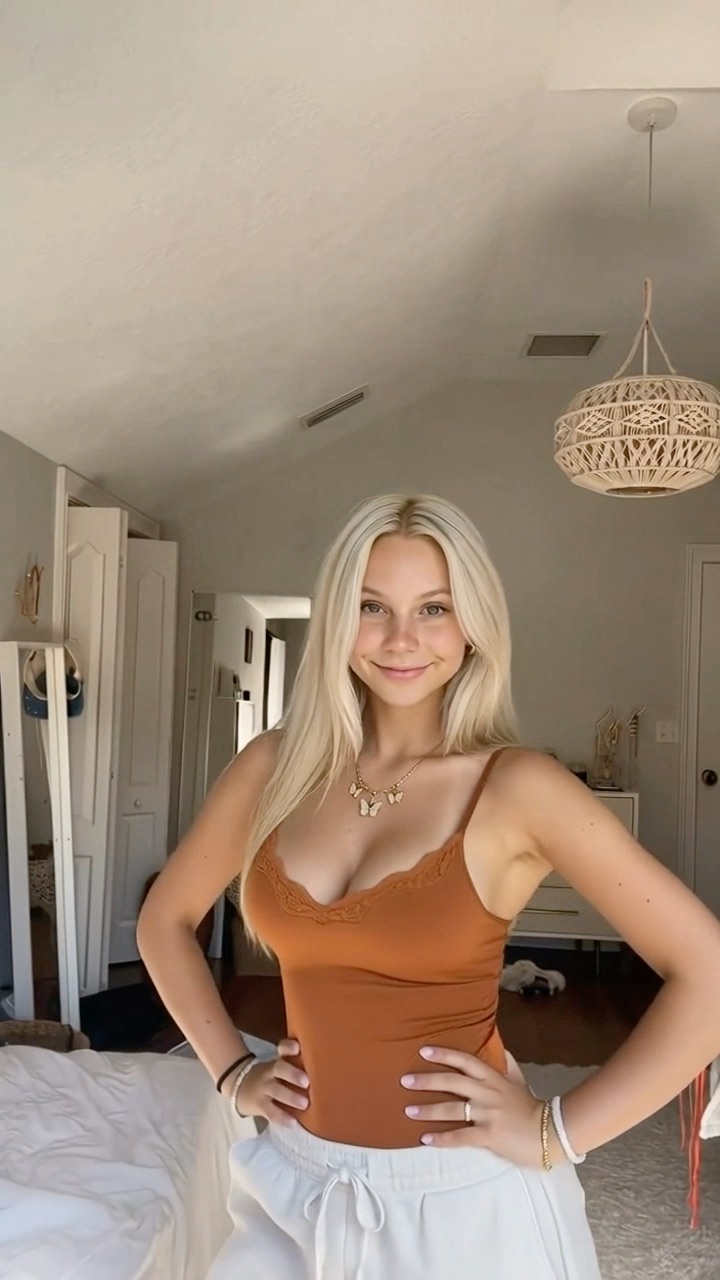
me pretending I didn’t spend 3 hours planning this
@studywithjay
original sound — studywithjay
14:00
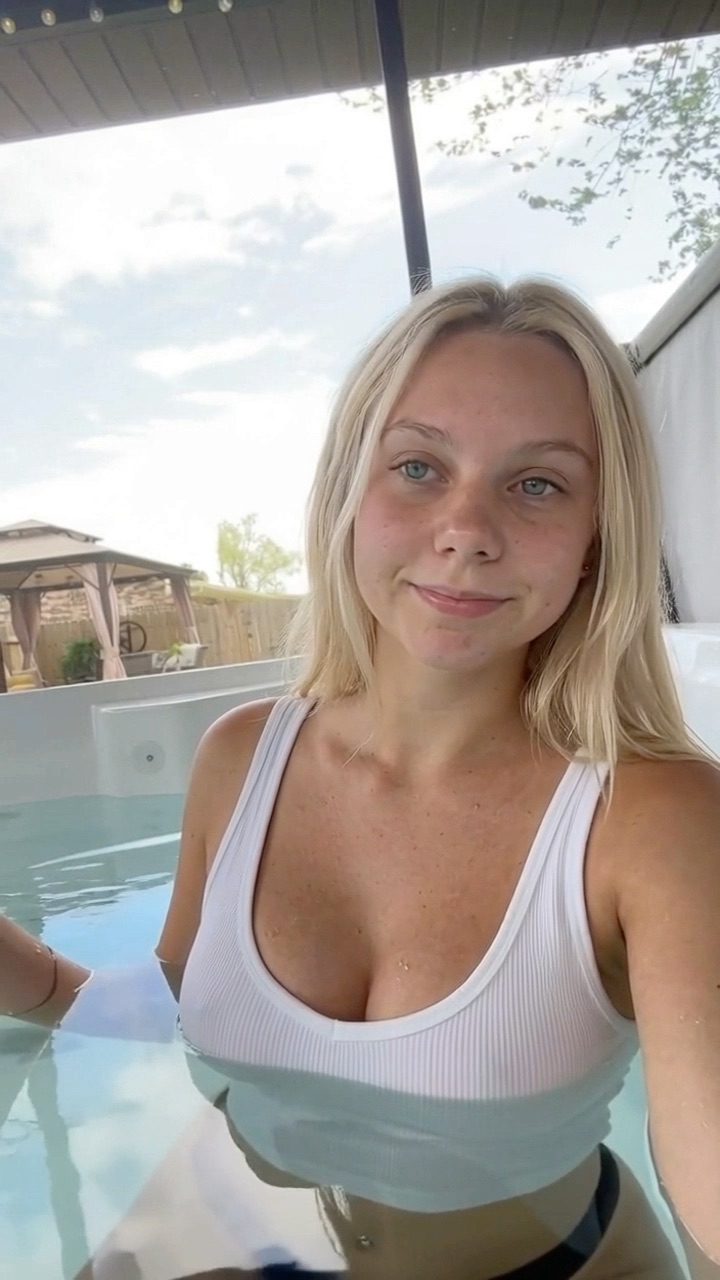
the only app I kept after deleting 40
@budgetbyana
original sound — budgetbyana
20:00
How it works
- 1 Upload your clips once Reaction clips in one folder, app demos in another. Every clip is auto-described.
- 2 Set the formula Pick the folders, the caption style and a few example hooks in your voice.
- 3 Connect the accounts TikTok, Instagram and YouTube. One project per client, fully separate.
- 4 Pick your time slots Several posts a day. Each run writes a fresh hook, renders and posts.
- 8:00 Morning
Fresh video posted to Instagram Reels
- 13:00 Midday
New pair of clips, new hook
- 19:00 Evening
Draft or live, your choice
Fresh Reels, not reposts
Each run pairs a different reaction and demo with a new hook, so no two posts are copies.
Same video, every platform
Post the same new video to Reels, TikTok and Shorts in one run.
Client accounts stay separate
Each client is its own project: clips, hooks, schedule and accounts never mix.
FAQ
Can you schedule Instagram Reels? +
Yes. Instagram lets you schedule Reels you already made. UGCPoster also makes a new Reel for every slot from your clips and posts it on schedule.
Do I still need to edit videos? +
No. Each run pairs a reaction clip with an app demo (least-used first), writes a fresh hook from your examples, renders the video and posts it.
Can I approve videos before they go live? +
Yes. Per account you choose: drafts you approve in the platform app, or straight to the feed on schedule.
What does it cost? +
Plans start at $29 a month with 600 credits. A typical 13-second video costs about 7 credits, and top-ups never expire.
Your folders are already full.
Let them post themselves.
Upload once, build one template, pick your times — drafts or direct. Your first video is rendering minutes from now.
One client covers the plan. The next one is profit.