Faceless UGC: What It Is, Does It Work, How to Start
Oct 13, 2026 · 7 min read
- Faceless UGC: screen recordings, hands, voiceover and text. No face on camera.
- It works best when the screen itself shows the payoff.
- A face is still the fastest scroll-stopper, so hooks matter more without one.
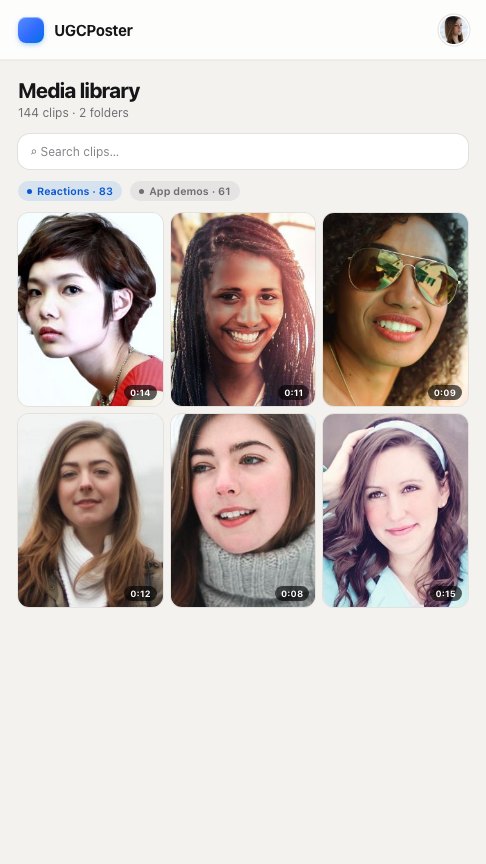
- Middle ground: film a reaction library once, then reuse it for weeks.
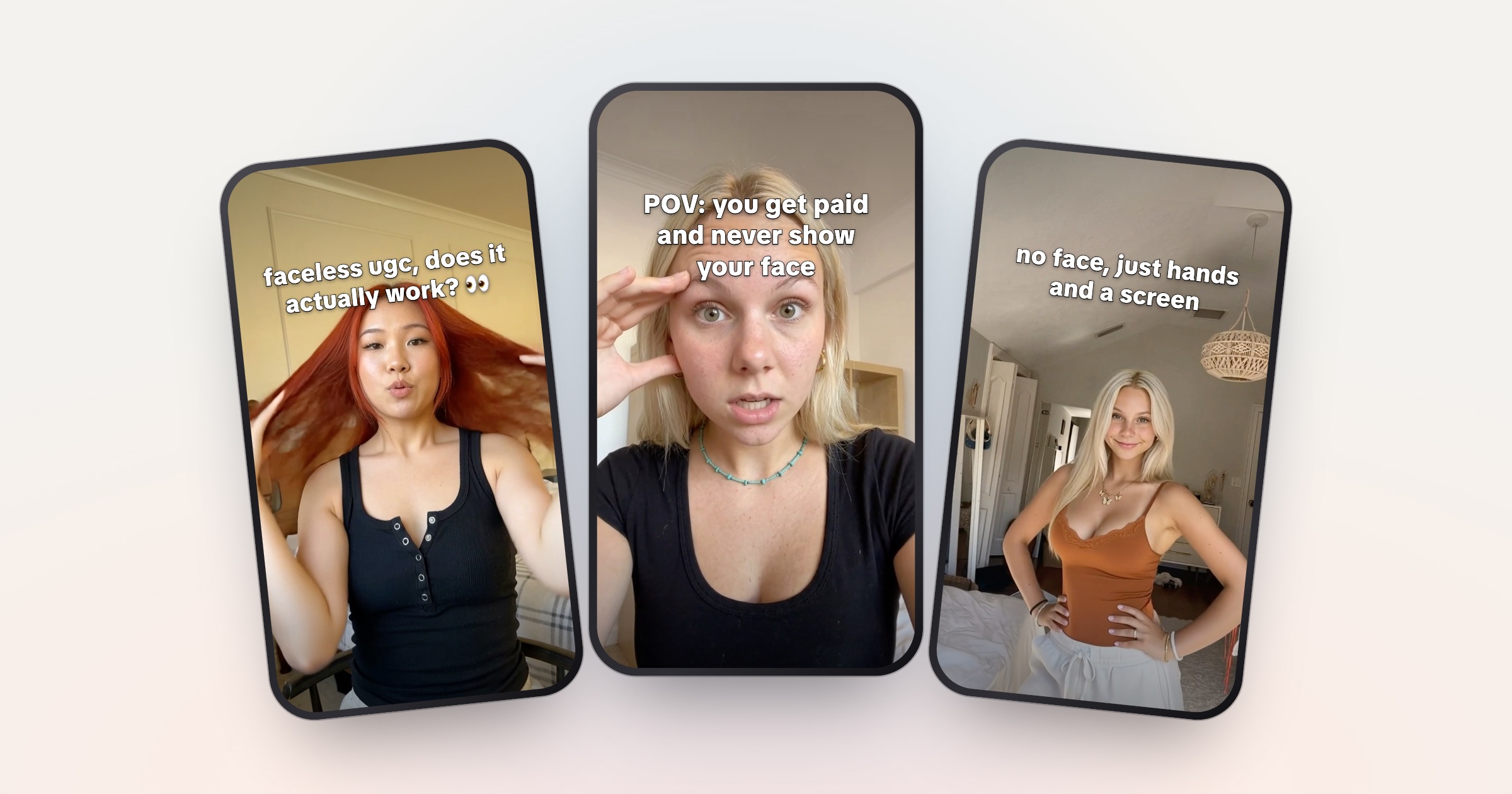
Faceless UGC is brand video where your face never appears. Screen recordings, hands-only shots, voiceover and on-screen text do the work. It does work, especially for apps, where the screen can show the payoff, but you give up the fastest way to stop a scroll, a human face, so your hook and first frame have to do more.
This post covers the faceless formats, an honest comparison with on-camera UGC, and a way to start this week. One note up front: the reaction-plus-demo format we write about most uses a short clip of your face. Faceless formats are an alternative to it, and we’ll say where that matters.
What faceless UGC is
Faceless UGC is made by a real creator who stays off camera. The brand gets the same kind of short, native-looking video, just without a person on screen. Short definition: faceless UGC glossary entry.
The common faceless formats:
- Screen-only demo. A screen recording of the app, with a hook on top and text captions. This is the core of most tech UGC.
- Hands-only. Your hands holding the phone, tapping, scrolling, shot from above or over your shoulder.
- Voiceover. Your voice over a demo or b-roll, with no camera on you.
- POV angles. Filmed from your eye line: your desk, your commute, your kitchen counter, with the phone in frame.
You’ll also see AI avatars sold as “faceless UGC.” That’s a different thing: a generated person, not you off camera. The rules for it are below.
Faceless UGC vs a faceless account
A faceless account is your own anonymous channel that builds its own audience. A lot of “faceless video” advice online is written for that kind of channel. Faceless UGC is client work: you make the videos, the brand pays, and they often go out on the brand’s account.
Does faceless UGC work?
Yes, for the right product, with stronger hooks. Here’s what the evidence says, and what it doesn’t.
- TikTok’s own ad guidance recommends “featuring people such as creators, employees, or customers to capture attention and increase engagement” (TikTok Ads, creative best practices).
- A Georgia Tech and Yahoo Labs study of 1.1 million Instagram photos found photos with faces were 38% more likely to get likes and 32% more likely to get comments (Georgia Tech, 2014). That’s photos, not short video, and it’s from 2014. It points the same way.
Neither source says faceless videos fail. Both suggest a face is a reliable way to grab attention, so without one, something else has to grab it.
Where faceless does well:
- The screen is the payoff. A photo editor’s before and after, an AI app’s output, a budget that finally balances.
- The viewer is the “you.” POV hooks work without a face, because the viewer fills in their own.
- Privacy matters to you more than reach. You can take brand work without your face online.
Where it struggles:
- The first frame. A static app screen looks like a tutorial or an ad. Viewers decide fast.
- Trust-heavy categories. In money or health apps, a real person can do a lot of the convincing.
- Briefs that want a person. Some brands want a recurring face viewers recognize. Read the brief before you pitch.
On camera
reaction + demo + hook
- A face stops the scroll in the first second
- Emotion is shown, not written
- Reaction clips can be filmed once and reused
- Fits briefs that ask for a person
- Your face is on the brand’s account
Faceless
screen, hands, voice, text
- The hook and first frame carry the stop
- Emotion has to be written into the text
- Screen demos are quick to re-record
- Fits screen-first briefs
- Nothing on screen ties the video to you
The middle ground: a face for three seconds
The format a lot of app UGC runs on is a short reaction shot, a screen recording and a hook on screen:

Reaction
App demo
Hook
only people with 9,000 screenshots will get this
@yourbrand
original sound — yourbrand
One video
The face is only there for the first few seconds. You can film 20 to 30 reactions in one session, then reuse them with different demos and hooks for weeks. If your worry is time on camera, not anonymity, this gets you a face’s pull for one afternoon of filming. If you want full anonymity, it’s not for you, and the faceless formats above are the way to go.
How to do faceless UGC: start this week
- 1 Pick screen-first products Apps where the result shows on screen in seconds.
- 2 Record clean demos 3–5 short screen recordings per app.
- 3 Write the hook first Without a face, the text has to stop the scroll.
- 4 Add something human A hand, a voice or movement in the first second.
- 5 Build a small portfolio Five sample videos, then pitch screen-first brands.
1. Pick screen-first products
AI apps, photo and video editors, budgeting, study and productivity tools. The test: can a stranger see the result in the first three seconds of the screen recording? If the value is invisible, like a background sync, a faceless video has nothing to show.
2. Record clean demos
Use your phone’s built-in screen recorder. Turn on Do Not Disturb so no personal notifications show up, and use a demo account with realistic data. Start on the most visual moment, not the home screen. Keep each demo short, and re-record it when the app’s design changes.
3. Write the hook first
Without a reaction shot, the hook carries the emotion. Write the face into the text. POV and relatable hooks work well faceless because the viewer imagines themselves. A few examples written for a screen-only video:
- “I actually gasped when this loaded 😭”
- “POV: your 2,000 unread emails are finally zero”
- “me pretending I edited this for hours 💀”
- “watch my budget go from red to green in 4 taps”
The last one breaks the “don’t describe the app” rule on purpose. With no face, a hook that promises something visual gives the screen a job. Use it when the result really does appear on screen. For more, see the best hooks for app UGC, or get a starting list from the free hook generator.
4. Add something human
A thumb tapping, a hand reaching for the phone, your voice reading the hook out loud. Movement and a voice make a screen recording feel like a person made it.
5. Build a small portfolio
Make five sample videos for an app you already use, in two or three formats. That’s your UGC portfolio. Say up front in your pitch that you work faceless, so the brand can judge fit fast.
Rules that still apply without a face
Two more rules matter for faceless work in particular:
- AI labels. TikTok requires creators to label AI-generated content that contains realistic images, audio or video (TikTok newsroom, 2023). That covers cloned voices and AI avatars. The FTC’s 2023 update to its Endorsement Guides also clarified how they apply to virtual influencers (FTC).
- Originality. Faceless accounts often lean on clips someone else filmed. Instagram stops recommending accounts that mostly post unoriginal content, and adding “a border, watermark, subtitles, or a credit” doesn’t make a repost original (Instagram, April 2026). Record your own screens and your own hands.
This is general information, not legal advice.
How faceless UGC pays
Faceless deals use the same pay models as on-camera work: a per-video rate, a CPM per 1,000 views, or a monthly retainer. We couldn’t find reliable data comparing faceless and on-camera rates, so be careful with any number you see quoted online. Price your time per video, the same way you would with a face.
Without a face, the hook is the face.
Faceless or on camera: how to choose
Go faceless if privacy is a hard line for you and the products you want to work with show their value on screen. Test hooks hard, because they’re doing all the work.
Film a reaction library if you’re fine on camera for a few seconds but don’t want to film every day. That keeps the face, the format brands already know, and most of the time savings.
If you pick the middle ground, UGCPoster is built for that format: you upload your reaction clips and app demos once, and each run pairs a reaction with a demo, writes a fresh hook, renders the video and posts it. It doesn’t film anything or generate AI avatars, so for fully faceless work it’s not the right tool.
Either way, the job is the same: a clear demo, a hook that stops the scroll, and a disclosure people can’t miss.
FAQ
Does faceless UGC work? +
It can, especially for apps where the screen shows the result. You give up the fastest scroll-stopper, a human face, so the hook and the first frame have to carry more. TikTok's own ad guidance recommends featuring people to capture attention.
Do brands pay for faceless UGC? +
Yes, some do, using the same models as on-camera work: per video, per 1,000 views, or a monthly retainer. Some brands want a face for trust and will say so in the brief, so read it before you pitch.
How do I start faceless UGC with no experience? +
Pick an app you already use, record three to five short screen demos of its best moments, write a hook for each, and turn them into sample videos. That's your portfolio. Then pitch brands whose product shows well on a screen.
Is faceless UGC the same as AI UGC? +
No. Faceless UGC is made by a real person who stays off camera. AI UGC uses generated avatars or voices. On TikTok, realistic AI-generated images, audio or video must be labeled.
Do faceless sponsored videos need a disclosure? +
Yes. FTC disclosure rules depend on your paid relationship with the brand, not on whether your face appears. Put the disclosure in the video itself and use the platform's disclosure setting too.