How to Post 3× a Day as a UGC Creator (Without Filming)
Oct 11, 2026 · 9 min read
- Film 20–30 reaction clips and 3–5 app demos once. Reuse them in new combinations.
- Write hooks in batches of 20–30 and track views per hook.
- Edit a week of videos in one sitting, then schedule them in fixed time slots.
- Change at least two of the three parts (reaction, demo, hook) in every post.
You post 3 times a day without filming more by splitting every video into reusable parts. Film a library of reaction clips and app demos once, write hooks in batches, then pair a different reaction, demo and hook for each post. Schedule the results across each client’s accounts and platforms so the daily work is approving videos, not making them.
This guide walks through the manual version first. It works with a phone, a notes app and the native schedulers. At the end there’s the volume math for CPM and retainer deals, with every assumption written out.
- 1 Build a clip library once Reaction clips and app demos, filmed in one or two sessions.
- 2 Write hooks in batches 20–30 per client, mixed formats, tracked in a sheet.
- 3 Batch the edits A week of videos in one sitting, one template.
- 4 Repurpose without copying Same structure on every platform, never the same file twice.
- 5 Set a posting schedule Fixed slots per account, at least an hour apart.
Why volume matters on UGC deals
Most UGC deals pay in one of three ways: per 1,000 views (CPM), a monthly retainer, or a flat rate per video. On CPM, views are the income. On retainers, the number of posts is often written into the deal (“one post a day for a month”).
Either way, each post is one more shot at a video that takes off. You can’t predict which hook lands. You can only post more of them and keep the ones that work.
The problem is time. If every post means a new reaction shot, a new screen recording, a fresh edit, a caption and an upload per platform, you hit a ceiling at one or two clients. The fix is not working longer. It’s not repeating the parts that don’t need repeating.
One video at a time
what most creators do
- New reaction shot for every post
- Re-record the app demo each time
- Write the hook the morning of
- Edit, caption and upload per platform
- Tops out at 1–2 clients
A reusable system
what this guide sets up
- Reaction library filmed once
- 3–5 demos per app, reused
- Hooks written in weekly batches
- A week of edits in one sitting
- Room for a third or fourth client
Step 1: Build a clip library once
A UGC video for an app is a formula: a short reaction shot, a screen recording of the product, and a hook on screen the whole time. The product changes. The formula does not. So treat each part as a separate asset.
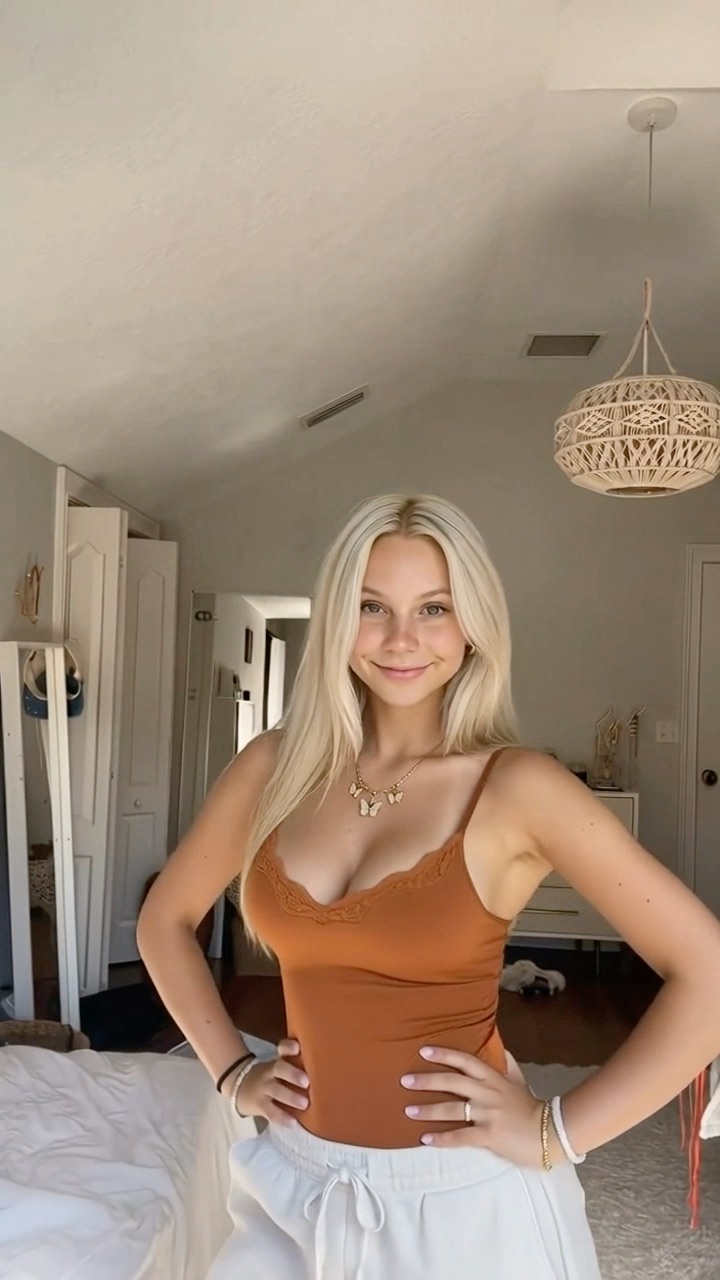
Reaction
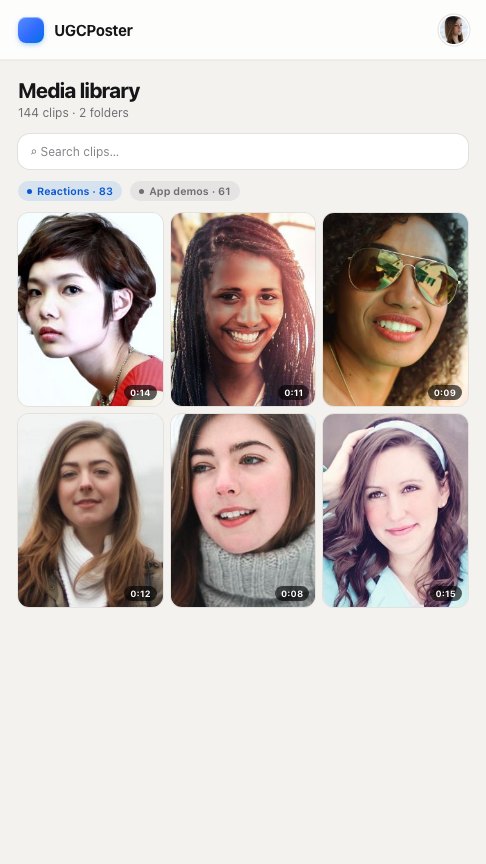
App demo
Hook
POV: your camera roll posts itself
@yourbrand
original sound — yourbrand
One video
Reaction clips
Film 20 to 30 reaction clips in one or two sessions. Each one is a few seconds of you reacting to camera:
- shocked, hand over mouth
- leaning in, squinting at the screen
- laughing in disbelief
- slow head shake, “no way”
- calm nod, “okay, this is actually good”
Change your shirt, location and lighting between takes. A library that all looks like the same afternoon reads as the same video.
App demos
Record 3 to 5 screen recordings per client app, each showing a different feature or result. Keep them short and start on the most visual moment. If the app updates its UI, re-record that demo. Everything else stays.
Keep one folder per client: client-name/reactions/ and client-name/demos/. Reactions can be shared across clients if they are generic. Demos never are.
How far does the library go?
Step 2: Write hooks in batches
Hooks are the biggest lever on views. They’re also the part you can’t recycle. Write them in one sitting per client, not one at a time each morning.
Aim for 20 to 30 per batch. Mix formats so you’re testing angles, not just wording:
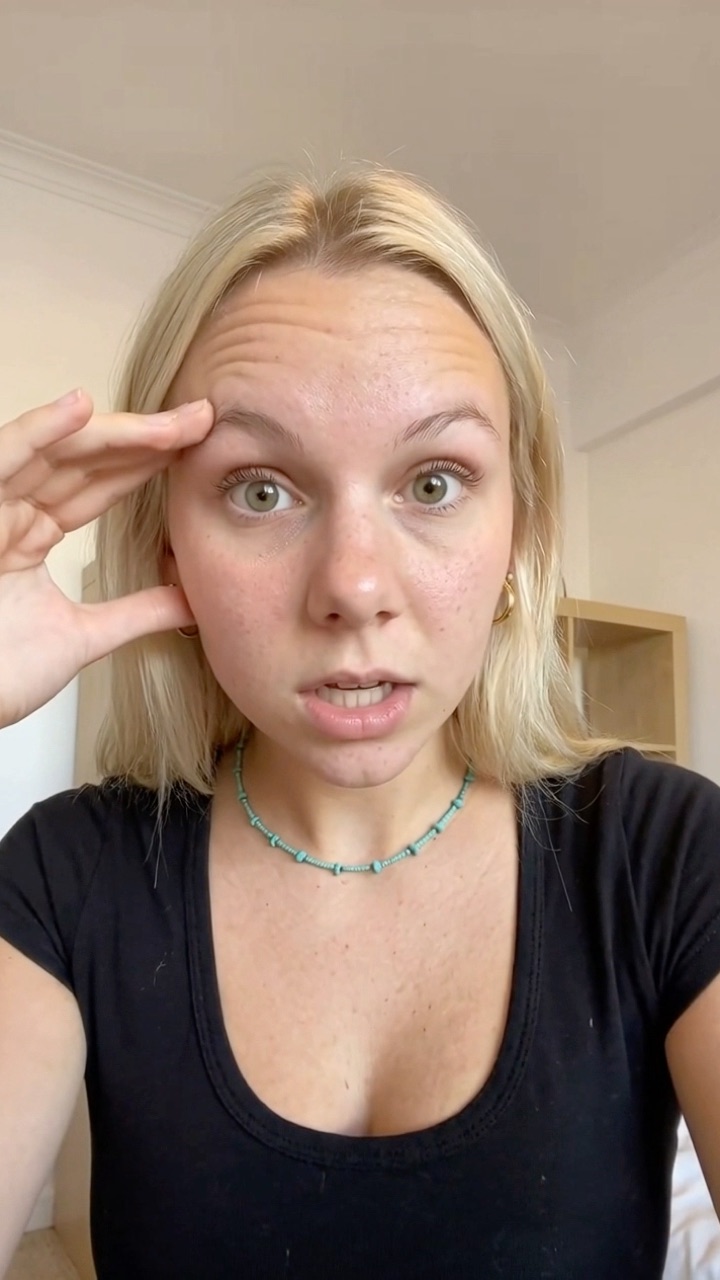
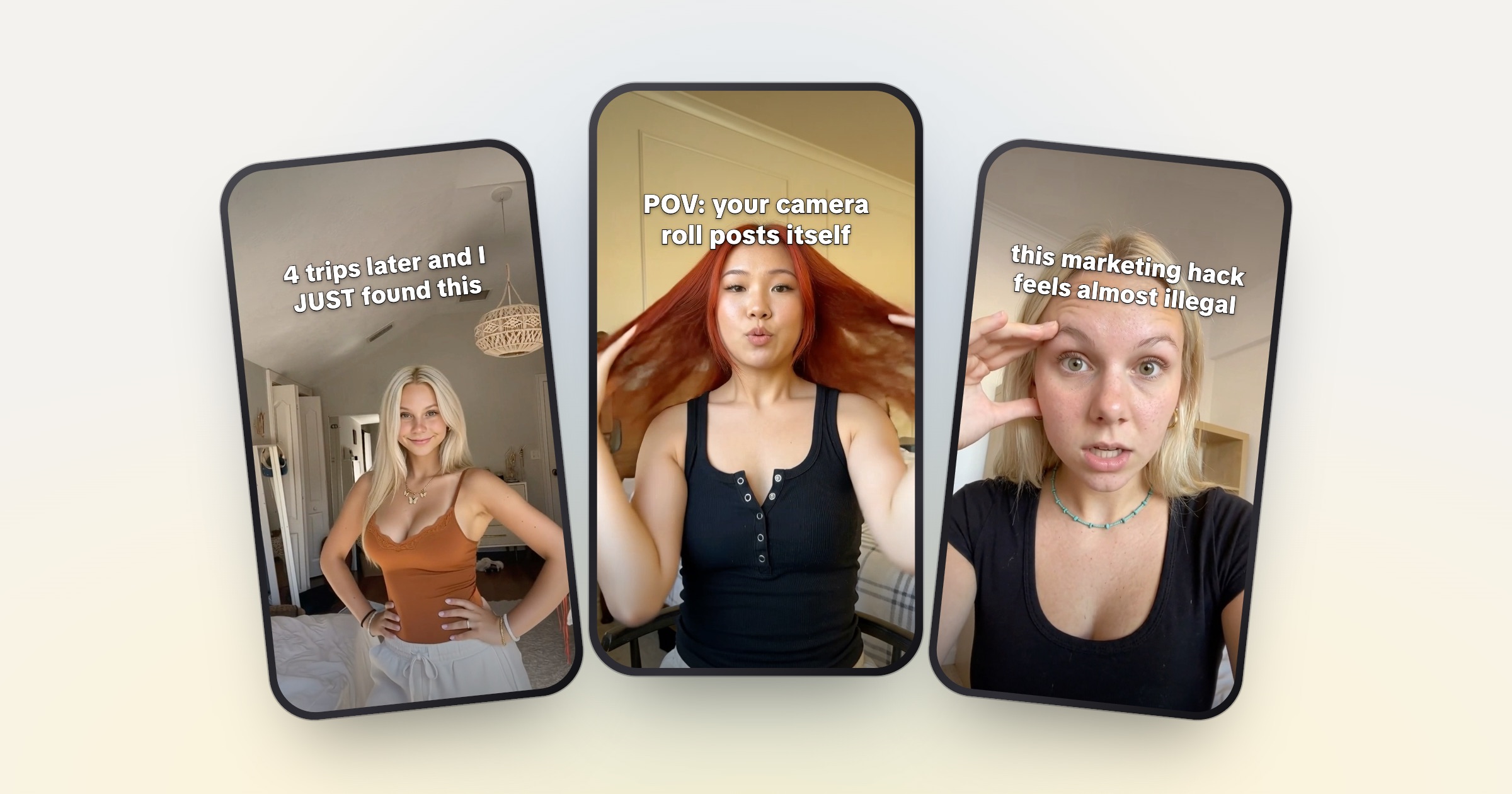
I've been traveling for 3 years and I just found this
@travelwithmia
original sound — travelwithmia
Discovery
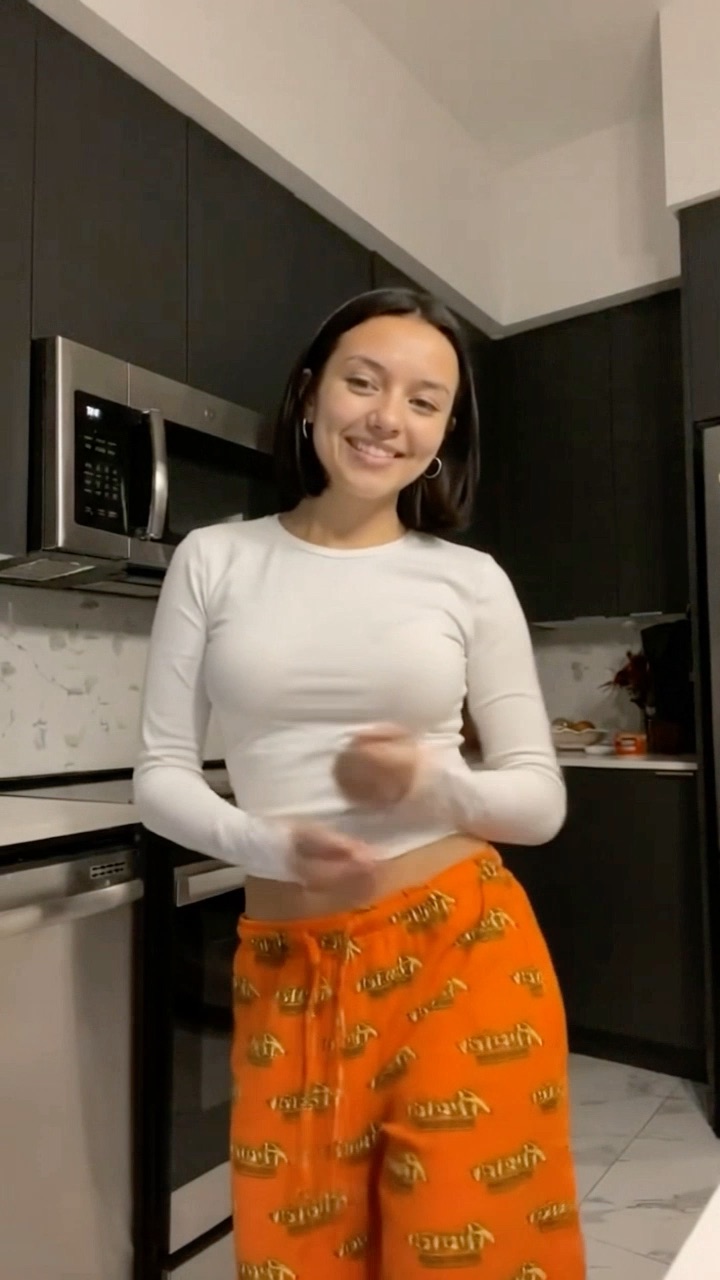
this marketing hack feels almost illegal
@studywithjay
original sound — studywithjay
Forbidden
POV: your camera roll posts itself
@budgetbyana
original sound — budgetbyana
POV
- Discovery: “I’ve been traveling for 3 years and I just found this”
- Forbidden: “this marketing hack feels almost illegal”
- POV: “POV: your camera roll posts itself”
- Before/after: “I used to spend 2 hours on this every Sunday”
- Callout: “if you still do your budget in Notes, watch this”
- Confession: “I didn’t want to like this app”
Keep a simple sheet: hook, angle, date posted, platform, views at 48 hours. After two weeks, sort by views. Write the next batch around the angles at the top.
If you’re stuck, the free hook generator gives you a starting list to edit into your own voice.
Step 3: Batch the edits
Batch creation means doing the same task for many videos in one block, instead of all tasks for one video at a time. Switching between filming, editing and captioning is where the hours go.
A weekly batch for one client at 3 posts a day looks like this:
- Pick 21 pairs. Choose reaction + demo combinations you haven’t used recently. Track usage in your sheet.
- Assign 21 hooks. Match the hook’s mood to the reaction. A shocked face fits “this feels illegal”, not “a calm way to plan your week”.
- Edit in one template. Same font, size, stroke and position for hook text. Only the clips and the words change.
- Export clean files. Export from your editor, not from a platform, so there’s no watermark from another app on the video.
- Write captions in the same pass. One line plus the client’s required tags and disclosure.
Step 4: Repurpose across platforms without copying
Content repurposing here means the same video structure going to TikTok, Instagram Reels and YouTube Shorts. That’s normal practice. What platforms push down is unoriginal content: reuploads of other people’s work and mass-produced, near-identical videos.
The rules you need to know:
- Instagram stops recommending accounts that mostly post content they didn’t create or meaningfully change, measured over a rolling 30 days (Instagram, April 2026). Adding a border, watermark or caption credit doesn’t make a repost original.
- YouTube does not monetize content it judges “inauthentic”: mass-produced or repetitive videos with minimal variation between them (YouTube channel monetization policies). This matters if a client’s channel is in the Partner Program.
- TikTok lists unoriginal content as not eligible for the For You feed in its For You feed eligibility standards.
In practice: you filmed every reaction and recorded every demo yourself, so the raw material is yours. The risk is posting the exact same file 20 times.
Every post should change at least two of the three parts: reaction, demo, hook.
Posting the same new video once on each platform is fine. Posting it twice on the same account is not.
Step 5: Set a UGC posting schedule per account
A UGC posting schedule is a fixed set of time slots per account. Fixed slots make batching possible, because you know exactly how many videos the week needs.
A starting schedule for one client account:
- 8:00 Morning
Strongest hook from last batch's winning angle
- 13:00 Midday
New angle test
- 19:00 Evening
New angle test
Space posts at least an hour apart, never back to back. More than an hour is fine. The specific times are a starting point, not a rule. After two weeks, move slots toward the hours where your 48-hour views are highest. The client’s analytics show when their followers are active.
Most platforms let you schedule natively. TikTok has a scheduler in TikTok Studio, Instagram lets you schedule Reels in the app, and YouTube Studio supports scheduled publishing.
How many TikTok accounts can you have?
You can run up to 8 TikTok accounts on one phone and switch between them from the profile menu. Each account needs its own email address or phone number.
For client work, three things matter more than the limit:
- Who owns the account. An ambassador account set up for a brand is usually the brand’s asset. Put ownership and login handover in the contract.
- Separation. Keep each client’s clips, hooks and captions in separate folders. A travel app hook on a budgeting app’s account is a fast way to lose a client.
- Disclosure. Paid posts need a clear disclosure, whether it’s your own account or a brand’s. See the FTC’s guide for influencers if you work with US brands, and use TikTok’s content disclosure setting where it applies.
The math: why volume matters on CPM deals
These numbers are an illustration, not a forecast. Replace every input with your own.
CPM math, per month
Illustration, not a forecast- CPM
- $1
- Avg views / post
- 2,000
- Days
- 30
-
1 post a day · 1 platform
$60
30 posts × 2,000 views = 60,000 views
-
3 posts a day · 1 platform
$180
90 posts × 2,000 views = 180,000 views
-
3 posts a day · 3 platforms
$540
270 posts × 2,000 views = 540,000 views
Two more assumptions behind those bars:
- The deal pays the same CPM on every platform. Many deals don’t: some pay a different CPM per platform, and some cap what one post can earn. Check your contract.
- Average views per post stay the same as volume goes up (often not true, see below).
The formula is: posts per day × days × platforms × average views ÷ 1,000 × CPM.
Two honest caveats. First, views are not evenly spread. Most posts get modest views and a few get most of them. More posts mean more draws, which is the real reason volume helps. Second, if quality drops when you scale, average views per post drop too, and the math shrinks. That’s why the hook sheet matters. Scale only while views per post hold.
Stacking retainer UGC deals
On retainers the math is about time, not views.
With a clip library and weekly batches, per-post time falls to picking a pair, matching a hook and checking the export. That’s what makes a third or fourth client realistic. Stacking retainer UGC deals is not about working more. It’s about cutting the time each extra post costs.
If you find deals through platforms, check how they pay before you plan around them. See Is Canvas UGC legit? and Canvas UGC vs traditional UGC.
The automated version
Everything above works by hand. The part that still eats time is the daily loop: pick a pair, write a hook, edit, caption, post to each platform.
UGCPoster does that loop for you. You upload your reaction and demo folders once and connect your TikTok, Instagram and YouTube accounts. Each run pairs a reaction with a demo, least-used first, writes a fresh hook in your voice from examples you give it, renders the video and posts it on your schedule, as drafts you approve or straight to the feed. Each client runs as its own project. Plans start at $29 a month; see pricing.
Whether you automate it or not, the system is the same. Film once. Write hooks in batches. Never post the same video twice. Track views per post and scale what works.
FAQ
Can I reuse the same reaction clip in more than one video? +
Yes, as long as each video is a new combination. Pair the clip with a different app demo and a different hook so no two posts are copies. Platforms push down near-identical reposts, so vary at least two of the three parts every time.
How many posts a day should a UGC creator make per account? +
There is no single right number. Many creators run one to three posts a day per account, spaced at least an hour apart. Check your client brief first, then test volume against average views per post.
How many TikTok accounts can you have? +
You can run up to 8 TikTok accounts on one phone, and each needs its own email or phone number. Many creators with several clients get a cheap second phone to run more. Agree on login and ownership with each client in writing.
Does posting more always mean earning more on CPM deals? +
Not automatically. More posts mean more chances at a high-view video, but average views per post can drop if quality slips. Track views per post every week and only scale what holds up.
What is stacking retainer UGC deals? +
It means running several monthly retainers at once, usually for different brands. It only works if your per-post time is low, which is why reusing clips and batching hooks matters.