Is Canvas UGC Legit? An Honest Look at Pay and Work
Oct 11, 2026 · 8 min read
- Yes, it's legit: brands pay you to post on accounts they own.
- Pay is per video ($20–$55), per 1,000 views ($1–$8), a retainer, or a mix.
- Never pay to find jobs. Sideshift lists them for free.
- Ask for a base fee on CPM deals, and negotiate who keeps the account.
Yes, Canvas UGC is legit. It’s a real arrangement where a brand pays you to film, edit and post short videos on a social account the brand owns, usually starting from zero followers. Whether it’s worth it depends on how you’re paid, how many videos the deal expects, and whether you can produce that volume without burning out.
This post covers what Canvas UGC is, how the money works, the real criticisms, and who it fits. No sales pitch.
What is Canvas UGC?
In classic UGC, you make a video and hand the file to a brand. The brand runs it as an ad or posts it itself. You get a flat fee and you’re done.
Canvas UGC moves you into the posting seat. You get access to a brand-owned TikTok or Instagram account, and you post to it yourself, often every day. The account is the “canvas.” You get paid for output, for views, or both.
The term is credited to creator Mackenzie Marsh, who writes the Substack The Creator Current. She says she named it in April 2025. Before that, much of the same work went by “tech UGC,” because app and SaaS brands were the first big buyers. For the full comparison, see Canvas UGC vs traditional UGC or the short glossary entry.
What the work looks like day to day
For tech and app brands, the format is formulaic on purpose: a short reaction shot, a screen recording of the app, and a hook on screen the whole time.
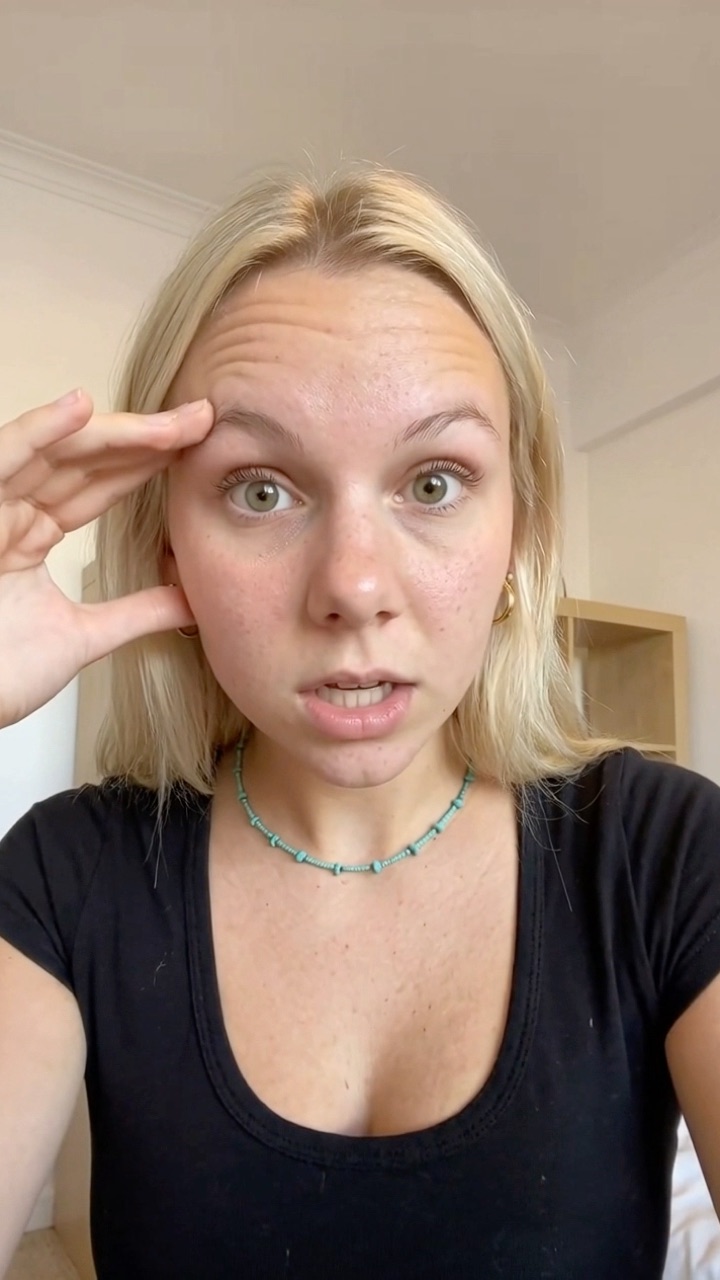
Reaction
App demo
Hook
I've been traveling for 3 years and I just found this
@yourbrand
original sound — yourbrand
One video
Then you do it again tomorrow. And the next day. Most of the job is the repeat loop: new hook, new edit, caption, post. The hook generator can help with the first part.
How Canvas UGC pays
There’s no single rate card. Deals mix three models:
Per video
$20–$55
per posted video
A fixed amount for every video you post.
+ Predictable
− Caps your upside
CPM
$1–$8
per 1,000 views
Paid on the views your videos earn.
+ Big upside on a hit
− Slow on new accounts
Retainer
Monthly
fixed fee + bonuses
A set fee for an agreed number of posts, often with view bonuses.
+ A floor you can plan on
− Volume is in the contract
Per video (flat rate)
You get a fixed amount per posted video. Marsh reports flat rates of $20 to $55 per video among creators she works with. Flat rates are predictable. They also cap your upside.
CPM (per 1,000 views)
You get paid per 1,000 views your videos earn. Reported ranges vary by source: Marsh cites $1 to $5, and Elev8or cites $2 to $8. If you want the mechanics, read the UGC CPM glossary entry.
Retainers and bonuses
A retainer is a fixed monthly fee for a set volume, for example one or two posts a day for a month. Viral.app reports a median base of about $500 a month. Many deals add bonus tiers when a video passes view milestones. Marsh describes tiers like these:
Bonus when one video passes…
- 100k +$100
- 500k +$500
- 1M +$1,000
What about the big income screenshots?
You’ve probably seen claims of $10,000 a month or more. Marsh’s own roundup lists creators earning from about $2,500 to $15,000 a month. Read those numbers for what they are: a handful of self-reported results, shared by someone who writes about and promotes the model. They show what’s possible. They don’t show the median, and they don’t show the people who quit after two months.
Is Canvas UGC a pyramid scheme?
No. The structure is different.
Pyramid scheme
how the FTC describes it
- You pay to join
- Income comes mainly from recruiting
- Few real customers at the end
- Most participants lose money
Canvas UGC
how real deals work
- Free to apply
- A brand pays you for videos and views
- The brand is the customer
- Referral bonuses are a side extra
The FTC describes a pyramid scheme as one where participants pay to join and earn mainly from recruiting others, not from selling to real customers. In Canvas UGC, a brand pays you for work: videos posted and views earned.
Some brands do pay a commission when you refer other creators into their UGC program. That’s common, and it’s fine: nobody pays to join, and your main income is still the videos you make for the brand.
Where the worry comes from is the ecosystem around it. Courses, paid communities and “academies” sell access to the model. Some are useful. But be skeptical of anyone whose income depends more on new students than on brand deals.
Can you find real Canvas UGC jobs without paying first?
Yes, and you should never pay to apply. Sideshift is one of the best places to look: brands post UGC and Canvas campaigns there, and creators apply for free. Two more checks before you pay for any course:
- Does it show median results, or only the top earners?
- Is there a refund policy in writing?
Paying for training isn’t a scam by itself. Paying to be “matched” with a brand that never shows up can be.
The real criticisms
Calling it legit doesn’t mean it has no problems. These are the ones that come up most.
Pay is unpredictable
On pure CPM, a month of work can earn very little if the account doesn’t catch. On the Paid to Travel podcast, host Maddy Garrett points out that deals can ask for 30 to 60 videos a month with no guaranteed payout, and that experienced creators may earn more from fixed-rate deals.
Volume is the job
Canvas deals are built around posting often. One post a day for a month is 30 videos. Two clients at two posts a day is 120. Each one needs a hook, an edit, a caption and an upload. That repeat work is where most of your hours go, and it’s what limits how many clients you can take. More on that in how to post 3 times a day as a UGC creator.
Who keeps the account
You might grow an account from zero to 50,000 followers. By default, the brand keeps it when the deal ends. That’s negotiable: it’s your face building the account, so you can ask for ownership, a handover, or a buyout fee. Agree on it before you start. Either way, save your view counts and screenshots as proof of work.
Disclosure is a gray area
The videos are designed to feel organic. The paid relationship still exists. BBB National Programs’ Institute for Responsible Influence published a piece in July 2026 arguing that the FTC Endorsement Guides apply to Canvas UGC, and that both creators and brands can be liable when a material connection isn’t disclosed clearly. The FTC’s own Disclosures 101 for influencers is the plain-language starting point.
Practical move: put disclosure in the contract. Who decides the label? Who’s liable if it’s missing? Get it in writing.
This is general information, not legal advice.
Platform rules and shadowbans
Most platforms don’t spell out their rules for brand-run accounts in concrete terms. That’s why Canvas work runs on new, separate accounts, never on your personal one.
New accounts have their own problem: they sometimes get shadowbanned, meaning videos suddenly stop reaching anyone, and for a lot of creators that’s very hard to fix. If the account stops getting views, ask yourself whether your deal still pays.
Who Canvas UGC is for
A good fit if
- You don't have a big personal following, and don't want to build one
- You're comfortable on camera for short reaction shots
- You can post on a schedule without missing days
- You treat views as a numbers game
A weaker fit if
- You need predictable income next month and the deal is CPM only
- You already land $200+ flat-rate videos and don’t want to post daily
- You want to build your own brand, not someone else’s
Is Canvas UGC worth it?
It’s worth it when the deal has a floor (a base fee or retainer) and you have a way to produce the volume without it eating your whole day. It’s not worth it when the pay is views-only, the account is new, and you’re editing every video by hand for a few dollars.
Before you sign, ask:
- 1 What's the base pay? And what are the bonus tiers on top?
- 2 How much volume? Posts a day, on how many accounts and platforms.
- 3 Who writes the hooks? And who approves them before they go out?
- 4 Who owns the account? Ownership, handover or a buyout when the deal ends.
- 5 Who handles disclosure? And how long is the deal, with what notice period?
Then work out your hourly rate honestly, including editing and posting time.
Where the time actually goes
Creators who stack several Canvas deals usually hit the same wall: the shoot is fast, the daily edit-caption-post loop is not. That’s the part UGCPoster automates. You upload your reaction clips and app demos once, and it pairs them, writes a new hook, renders the video and posts it on a schedule, as drafts or direct. It won’t find you deals or negotiate rates. It just takes the repeat work off your plate so a second or third client is realistic. Plans are on the pricing page.
Canvas UGC is real work for real pay. Go in with your numbers, not someone's screenshot.
FAQ
Is Canvas UGC real? +
Yes. Brands hire creators to film and post short-form videos on accounts the brand owns, and pay them per video, per 1,000 views, or with a monthly retainer. The model is new, but the work and the payments are real.
Is Canvas UGC a pyramid scheme? +
No. In a pyramid scheme you mainly earn by recruiting people who pay to join. In Canvas UGC a brand pays you for videos and views. Referral commissions exist, but nobody pays to join and your main income is brand work.
Where can I find Canvas UGC jobs for free? +
Sideshift is one of the biggest free platforms for UGC and Canvas campaigns. Never pay to apply for a job or to be matched with a brand.
Is Canvas UGC worth it for beginners? +
It can be, because you don't need your own followers. The trade-off is volume: deals often expect one to three posts a day, and view-based pay is unpredictable until you know your numbers.
Who owns the account and the videos? +
By default the brand keeps the account, the followers and the videos. It's negotiable: it's your face building the account, so you can ask for ownership or a handover in your contract.