How to Become a Canvas UGC Creator: Beginner Steps
Oct 13, 2026 · 7 min read
- You don't need followers. Brands pay for videos on an account made for them.
- Kit: a phone, window light, the built-in screen recorder and a free editor.
- Make 2–3 sample videos of an app you already use. They are your application.
- Before you sign, get base pay, volume, account ownership and disclosure in writing.
To become a Canvas UGC creator, make two or three sample videos of an app you already use, put them on a free creator platform, and apply to jobs that pay you to post on an account made for the brand. You don’t need followers, a camera or a course. You need a phone, a few clean samples, and the habit of posting on schedule.
Here’s the whole path, from your first sample to your first signed deal.
- 1 Learn the format Reaction, app demo, hook. One formula, repeated.
- 2 Get a minimal kit Your phone, a window and the built-in screen recorder.
- 3 Make two or three samples One app you already use, one problem it solves.
- 4 Set up a separate account Never your personal one. New email per brand.
- 5 Pitch and apply Free platforms first, direct pitches second.
- 6 Check the deal Base pay, volume, ownership and disclosure in writing.
- 7 Run your first 30 days Post on time, track hooks, save proof of work.
What a Canvas UGC creator actually does
You film, edit and post short videos on a social account the brand owns, often starting from zero followers. You’re paid per video, per 1,000 views, with a monthly retainer, or a mix. SideShift, a UGC marketplace, says many brands prefer creators to build fresh accounts in the campaign’s niche, while others pay you to post on pages that already have an audience.
If you’re still deciding whether it’s worth it, read Is Canvas UGC legit? and Canvas UGC vs traditional UGC first. This post assumes you want to start.
Step 1: Learn the format
Most Canvas work is for apps and software, and most of it uses one structure: a 2 to 4 second reaction, a screen recording of the app, and a hook on screen the whole time. Spend an hour watching examples before you film anything. Tech UGC examples breaks the format down by app type.
Step 2: Get a minimal kit
You probably own all of this already.
- A phone that films vertical HD video. Billo, a UGC marketplace, asks for pitch videos of at least 1080x1920. TikTok’s ad guidance asks for 9:16 and at least 720p. Any recent phone does both.
- Light. Face a window. Locket’s ambassador brief simply says to “film in good natural lighting”.
- A screen recorder. It’s built in. On iPhone, it’s the Record button in Control Center. On Android, swipe down twice and tap Screen record in Quick Settings.
- A free editor that puts text on screen and exports clean files.
- A sheet for hooks, dates and views. You’ll use it every day.
Optional: a phone stand, and a clip-on mic if a brand wants voiceover.
Step 3: Make two or three sample videos
Your samples are your application. viral.app puts it plainly: “Brands decide on your videos, so the samples are your application.” Its advice for beginners is to film two or three, pick an app you already use, show it solving one problem in 15 to 30 seconds, and open with a hook in the first two seconds.
Each sample is the same three parts:
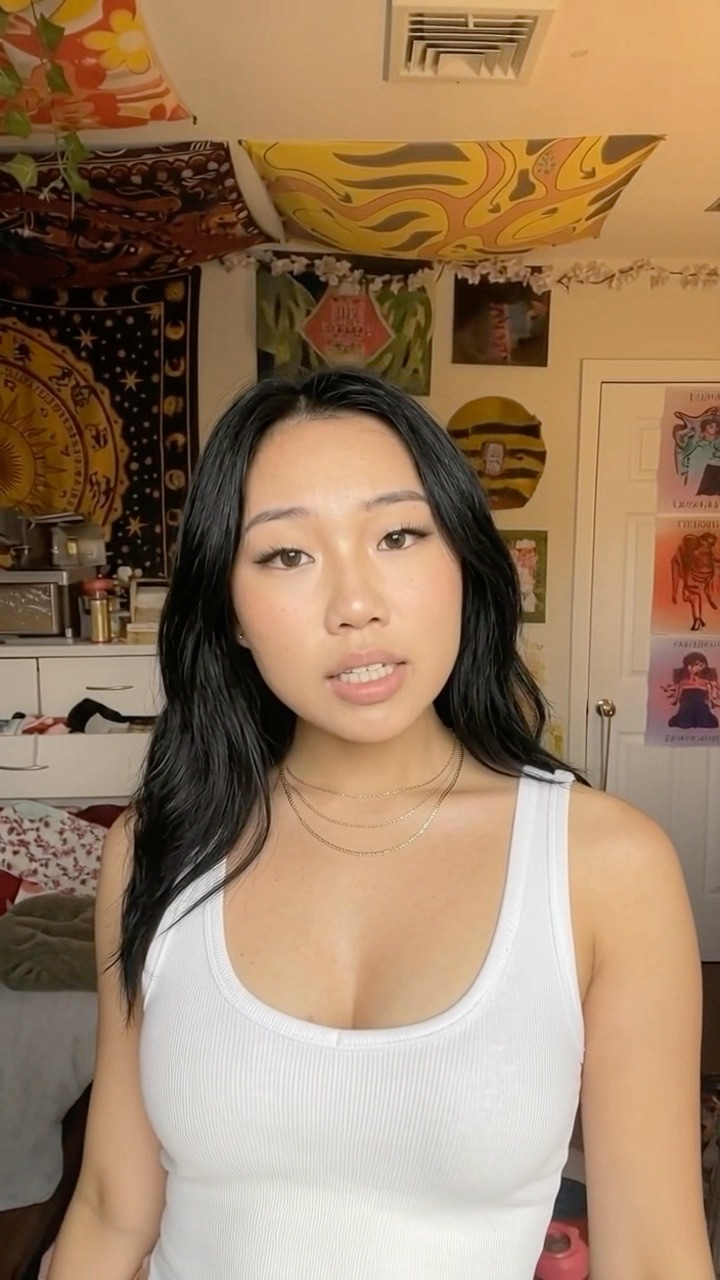
Reaction
App demo
Hook
I've been using this app for a week and I'm mad nobody told me
@yourbrand
original sound — yourbrand
One video
While you’re filming, shoot 10 to 20 extra reactions in different moods: shocked, curious, relieved, laughing. You’ll reuse them as soon as you land a client.
Launchpoint, another creator platform, asks for a 15 to 30 second sample clip when you sign up, so one good sample covers several applications.
Step 4: Set up a separate account
Canvas work never goes on your personal profile. Each brand gets its own account. Sometimes the brand creates it, sometimes they ask you to. See ambassador account for how these are usually set up.
- One email per account. Use a new address, or one the brand gives you.
- Switching is built in. Instagram lets you add up to 5 accounts and switch without logging out. For TikTok limits and phone setups, see how many TikTok accounts can you have.
- Check the music rules. On a TikTok Business Account, you only see sounds from the Commercial Music Library. TikTok says songs in its general library aren’t cleared for commercial content, which it defines as any content posted by a brand. Ask the brand which sounds you can use.
- Turn on disclosure. TikTok says that when content promotes a brand, product or service, “you must turn on the commercial content disclosure setting”. In the US, start with the FTC’s Disclosures 101 for influencers.
- Agree on the login. Who holds the password, the email and two-factor codes, and who keeps the account when the deal ends.
This is general information, not legal advice.
Step 5: Pitch brands and apply
Start with platforms where brands already post Canvas jobs. SideShift, viral.app and Launchpoint are all free for creators to join. Where to find Canvas UGC jobs compares them, along with what each one keeps from your pay.
Then pitch apps directly. Not every app runs a creator program, and a short message with a sample made for their app stands out. Here’s the difference:
Weak pitch
easy to ignore
- "Hi, are you hiring UGC creators?"
- No samples, or samples from another niche
- A long paragraph about you
- Asks them to make you an offer
Strong pitch
easy to say yes to
- Names their app and one feature you’d show
- Links 2–3 samples, one using their app
- Proposes a volume, e.g. 1 post a day for 30 days
- States your rate, or asks for their base + CPM
A template you can adapt:
Hi [name], I make short reaction + demo videos for apps. Here’s one I made with [their app] yesterday: [link]. I’d like to run a fresh TikTok account for [app] with one post a day for 30 days, a new hook every day. My rate is [your monthly base] plus [your CPM] per 1,000 views. Want two more hook ideas for it?
Keep it under 100 words. Send it to the founder or the person who runs growth, not a general inbox.
Step 6: Check the deal before you sign
Your first offer will feel exciting. Read it anyway. Every term below should be in writing, in the platform’s contract or in an email you can point to.
- 1 Base pay A fixed fee per video or per month, so a slow account still pays.
- 2 CPM, caps and bonuses The rate per 1,000 views, any cap per video, and the bonus tiers.
- 3 Volume Posts per day, on which platforms, across how many accounts.
- 4 Account ownership Who holds the login and email, and what happens when the deal ends.
- 5 Disclosure Who turns the setting on, and who is liable if it’s missing.
- 6 Payment terms When you get paid, how, and through which platform.
- 7 Exclusivity Whether you can work with other apps in the same category.
- 8 Usage and notice Can they run your videos as ads, and how much notice ends the deal.
On CPM-only offers for a brand-new account, ask for a base fee or a retainer. New accounts can be slow to get views, and on pure CPM you carry that risk. For the terms, see usage rights and exclusivity.
If you’re in the US, platform payouts are self-employment income. The IRS says you file Schedule SE and pay self-employment tax once your net earnings from self-employment are $400 or more. Set some of every payout aside.
Step 7: Run your first 30 days
The first month is about consistency, not virality.
- Post on schedule. Follow the brief exactly. Locket’s brief, for example, caps ambassadors at two or three videos a day, spaced at least two hours apart.
- Track every hook. Hook, date, platform, views at 48 hours. After two weeks, write the next batch around the angles that won.
- Save proof of work. Screenshot view counts as you go. If the brand keeps the account, those numbers are your portfolio.
Set realistic expectations for pay. As of October 2026, viral.app reports that its beginner-friendly jobs pay a median of $16 per video, with the middle half of brands paying $14 to $20, and a median monthly base of $500. Its own example: a typical Canvas month of 30 videos comes to about $480 before view bonuses. Those are one platform’s numbers, not a promise. They do show why most creators take more than one client.
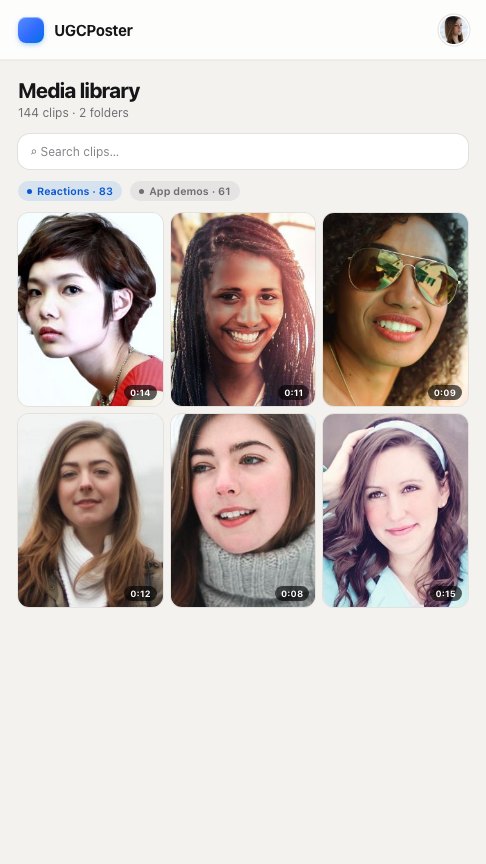
That’s where the time goes. One account at one post a day is 30 edits, captions and uploads a month. Three clients is 90 or more. Once you’re there, UGCPoster can take the repeat work: you upload your reaction clips and app demos once, and it pairs them, writes a fresh hook, renders the video and posts it on each account’s schedule, as drafts or direct. It won’t find clients or pitch for you. That part is still yours.
FAQ
Do I need followers to start Canvas UGC? +
No. Canvas jobs pay for the videos, not your audience. You usually post on a new account made for the brand's app, so your own follower count doesn't matter.
What equipment do I need for Canvas UGC? +
A phone that films vertical HD video, a window for light, the screen recorder already built into your phone, and a free editing app that adds on-screen text. A phone stand helps. Nothing else is required to start.
Should I use my personal account for Canvas UGC? +
No. Canvas work runs on a separate account for each brand, with its own email. Agree in writing who owns the login and what happens to the account when the deal ends.
How much do beginner Canvas UGC creators make? +
It varies by brand. As of October 2026, viral.app reports a median of $16 per video for its beginner-friendly jobs and a median monthly base of about $500. View bonuses come on top when a video does well.
Do I need to buy a Canvas UGC course? +
No. Free guides cover the basics, and the platforms that list jobs are free to join. Never pay to apply for a job or to be matched with a brand.