TikTok Shadowban: How to Tell, Why It Happens, How to Fix It
Oct 13, 2026 · 6 min read
- TikTok doesn't use the word shadowban. It calls it 'ineligible for the For You feed.'
- Check Account check in TikTok Studio and each video's analytics before guessing.
- Most causes are fixable: reused clips, missing disclosure, spam patterns. Appeal mistakes.
- New accounts sometimes get hit, and for many creators that's very hard to fix.
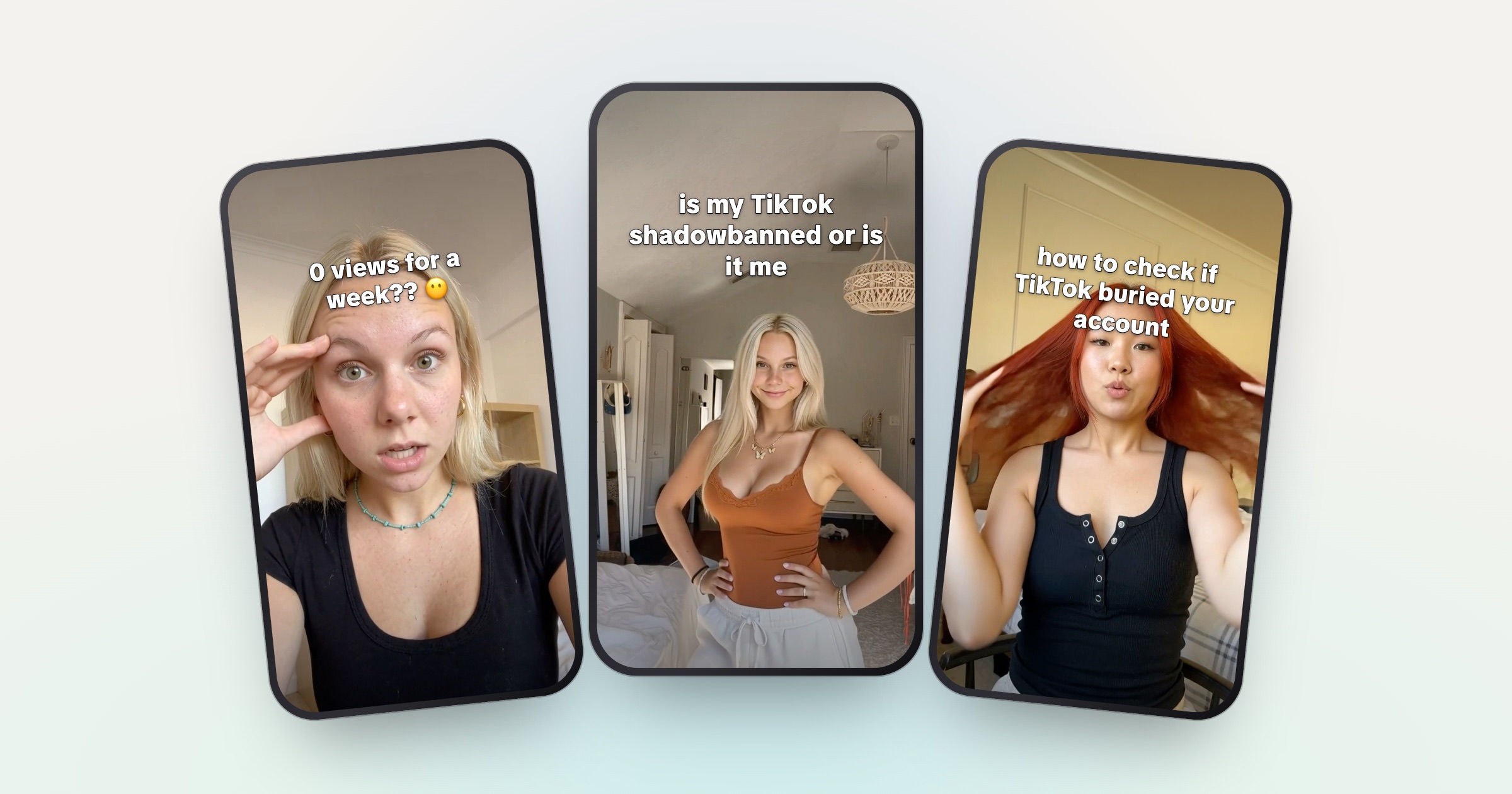
A TikTok shadowban is when your videos quietly stop reaching the For You feed while your account looks normal: no ban message, just views falling to almost nothing. TikTok doesn’t officially use the word. What it does describe is videos or whole accounts becoming “ineligible for the For You feed,” and it gives you two places to check: Account check in TikTok Studio, and the analytics on each video.
This guide covers how to tell a real restriction from a normal dip, the causes TikTok itself lists, and what you can do about it. One honest caveat up front: some accounts, new ones especially, never fully recover.
Is the TikTok shadowban real?
TikTok rejects the word. A TikTok spokesperson told Fox News Digital in December 2023 that the company doesn’t shadow ban creators, and that it acts against creators only after repeated guideline violations, with a notice.
But TikTok does document two things that look a lot like what creators mean by a shadowban:
- Single videos. TikTok keeps For You feed eligibility standards. Videos that fall under them aren’t recommended in the For You feed, though people “may still find it through search or by going to a creator’s account.”
- Whole accounts. Since 2024, TikTok can make “an entire account temporarily ineligible for recommendation in the For You feed if a creator repeatedly posts content that goes against our For You feed standards,” and that account becomes “harder to find in search.” TikTok said it would notify creators and let them appeal (TikTok Newsroom, April 2024).
So the word is unofficial, but the mechanism is real, and much of it is visible to you if you know where to look. The harder case is when reach drops and there’s no label anywhere.
How to tell if you’re shadowbanned on TikTok
Check TikTok’s own signals first, then your numbers.
- 1 Run Account check Profile, menu, TikTok Studio, More tools, Account check. A warning sign means an issue; a checkmark means none.
- 2 Check each recent video TikTok shows in a video’s analytics if it was made ineligible for the For You feed.
- 3 Look at where views come from Several videos in a row with almost no For You views is the pattern to worry about.
- 4 Compare to your own baseline Judge against your average over the last few weeks, not your best video.
Account check audits your account and your last 30 posts, and shows whether features like posting or comments are restricted or whether posts were kept out of the For You feed (TikTok Help Center, Account status; TikTok Newsroom). TikTok’s enforcement rules add that when a video is made ineligible for the For You feed, “this information will appear in the TikTok analytics tool” (TikTok Community Guidelines, Enforcement).
Then be honest with yourself about the numbers. TikTok puts it plainly: “If a video isn’t getting many views, it also doesn’t necessarily mean it broke a rule” (For You feed eligibility standards).
Probably a normal dip
- One or two videos underperform
- Account check shows only checkmarks
- For You views still come in, just fewer
- A new hook or format just didn’t land
Probably a restriction
- Several videos in a row sit near zero
- A warning in Account check or on a video
- Almost no views from the For You feed
- It started after a flagged post or a burst of reposts
Skip shadowban “checker” sites. They can’t see your account’s status inside TikTok. Only you can, in the app.
Why TikTok shadowbans happen
TikTok’s Community Guidelines (current version effective September 24, 2026) list the reasons a video or account loses For You reach. These are the ones that hit UGC and brand accounts most:
- Reused or unoriginal videos. “Reused or unoriginal content posted without creative edits, such as clips that show someone else’s watermark or logo” is ineligible for the For You feed. So is “low-quality or minimally edited content.”
- Spam patterns. TikTok’s spam examples include “using automation to run many accounts or send repetitive content” and “posting a large amount of irrelevant material.” Posting the same video again and again, on one account or many, is the pattern to avoid.
- Fake engagement. Buying followers, likes or views breaks the rules, and TikTok says it removes fake likes, followers and other inflated signals.
- Undisclosed paid posts. If you post branded content without TikTok’s content disclosure setting, TikTok “may reduce its visibility,” and repeated failure can lead to a posting restriction or a ban (Commercial Disclosure).
- Topics TikTok keeps out of the feed. TikTok limits repeated recommendations of things like “extreme fitness or dieting, sexual suggestiveness, sadness, or overgeneralized mental health advice” (For You feed eligibility standards). If your client is a fitness, diet or mental health app, read these standards closely.
- Too many ineligible posts. Even accounts that don’t break a rule but “post a lot of content that’s ineligible for the FYF” may be made ineligible as a whole (Accounts and Features).
New accounts
New accounts sometimes get shadowbanned: videos sit near zero For You views almost from the first post, before the account has any history to judge. TikTok has said follower count isn’t a direct factor in what it recommends (TikTok Newsroom, 2020), so a new account isn’t supposed to be held back for being new. In practice it still happens, and for a lot of creators it’s very hard to fix.
How to fix a TikTok shadowban
There’s no switch to flip. Work through these in order.
- Appeal anything flagged by mistake. If Account check or a video shows a restriction you think is wrong, appeal it. TikTok lets you appeal bans, removals and For You feed ineligibility, and you can follow the appeal’s status in the in-app Safety Center (Enforcement).
- Remove the cause. Look at the last few weeks of posts: reposted files, another app’s watermark, missing disclosure, a near-identical video posted twice. TikTok’s guidelines don’t say deleting videos lifts a restriction, so appeal first and remove only what clearly breaks a rule.
- Make every new video actually new. Change the reaction, the demo and the hook, not just the caption. See how to post 3 times a day without filming more for a way to do that at volume.
- Turn on disclosure. Every paid post gets TikTok’s content disclosure setting. Agree with the client who is responsible for it.
- Keep a normal schedule. Don’t flood the account to “push through.” Post at your usual pace so you can see whether For You views per video recover.
- Set a checkpoint. Decide in advance how long you’ll wait before you change plans, and agree it with the client.
How long does a TikTok shadowban last?
TikTok doesn’t publish a duration. It calls account-level For You feed ineligibility “temporary,” but gives no timeline (TikTok Newsroom).
The honest answer from experience: for a lot of people it’s very hard to fix. Some accounts come back once the cause is gone; plenty don’t. That’s why the checkpoint in step 6 matters. On a views-based deal, weeks of near-zero reach is weeks of near-zero pay.
Check before you guess. TikTok shows you more of its restrictions than most creators ever look at.
Getting help with a stuck account
If you run TikTok accounts for clients and one gets stuck, the Studio plan on UGCPoster includes TikTok shadowban help alongside priority support. It’s help, not a guarantee: some accounts can’t be brought back. See pricing.
Either way, start with the same three moves: run Account check, read each video’s status, and fix the cause before you post more.
FAQ
How do I know if I'm shadowbanned on TikTok? +
Run Account check in TikTok Studio. It shows restrictions on your account and your last 30 posts. Then open each recent video's analytics: TikTok shows there if a video was made ineligible for the For You feed. Low views with no warning anywhere don't necessarily mean you broke a rule.
How long does a TikTok shadowban last? +
TikTok doesn't publish a duration. It describes account-level For You feed restrictions as temporary, but for a lot of creators, especially on new accounts, reach is very hard to get back.
Does TikTok shadowban new accounts? +
New accounts sometimes get shadowbanned: their videos stop reaching the For You feed almost from the start. TikTok doesn't confirm a rule like this, and for a lot of creators it's very hard to fix.
Do TikTok shadowban checker sites work? +
Outside sites can't see your account's status inside TikTok. Use TikTok's own Account check and the analytics on each video, which show restrictions and For You feed eligibility.
Should I make a new account if I'm shadowbanned? +
Not to get around a restriction. TikTok's rules say you may not create or use another account to get around a restriction or ban. Appeal first, fix the cause, and if it's a client's account, decide with the client.